Operating manual
How to use this system
Everything the system does, explained one page at a time. Start with the guide for your role, then open a detail page when you need it.
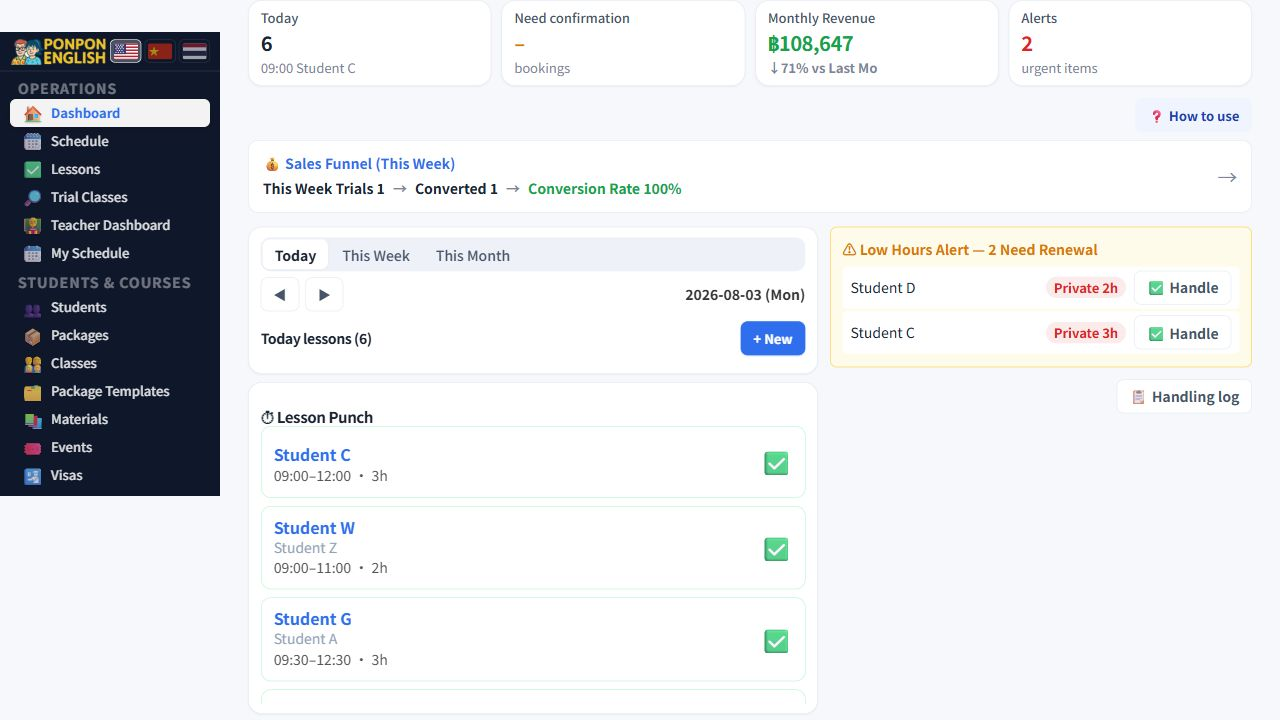
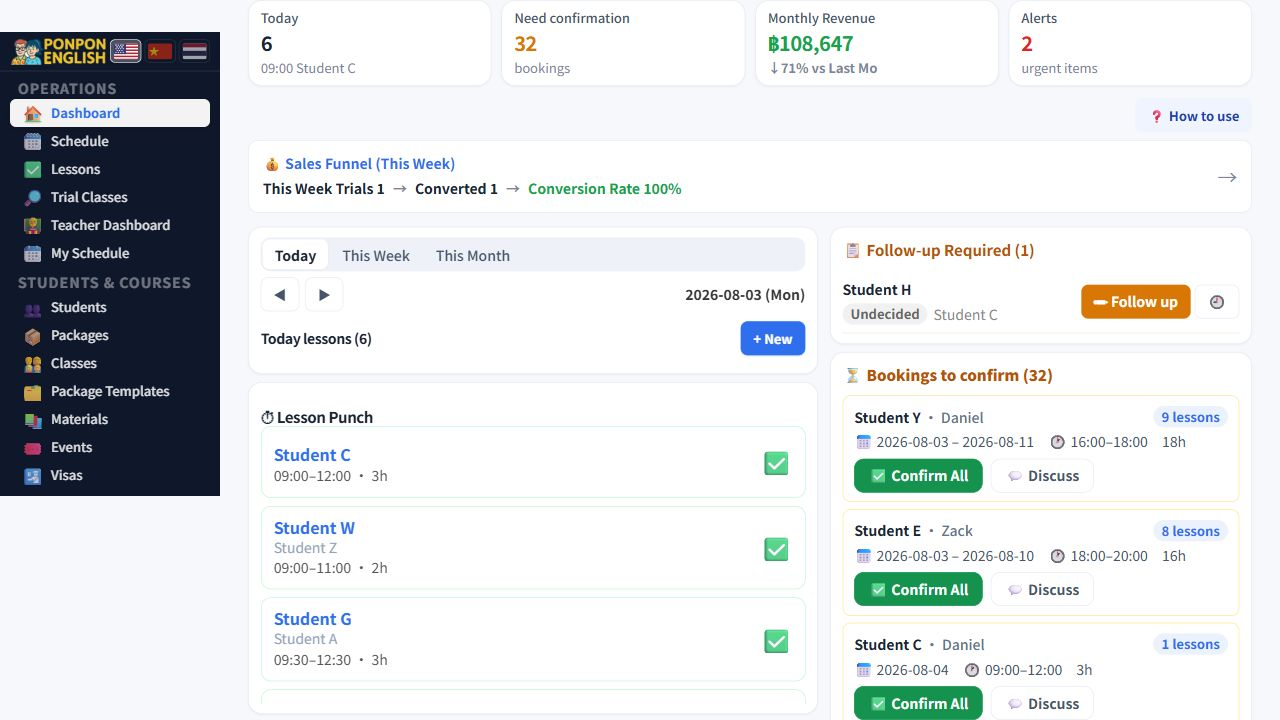
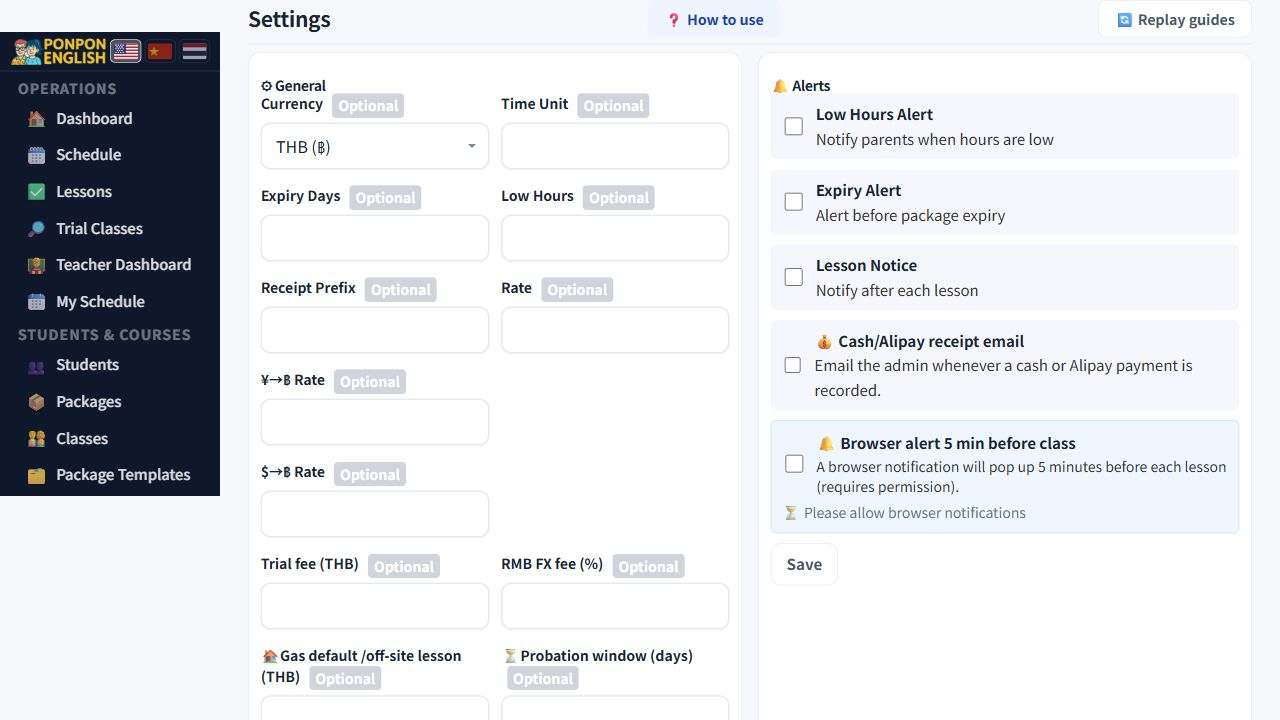
Current screens
Start here
Pick the one that matches your job. Each takes a few minutes to read.
Owner Quick StartHow the owner reads the numbers, decides, and knows which screen to trust.Teacher Quick StartThree habits for teachers: install the app, mark lessons done, and check your pay.Senior Staff Quick StartThe full school cycle in one map, from first enquiry to month end.
Watch the system
Video guides
Six friendly English videos: Simple and Detailed guides for owners, teachers and staff.
Now playing Owner — Simple guide
Every screen, one page each
Reference pages. Open the one that matches the screen in front of you.
Daily operations
- DashboardYour daily control panel: key numbers, booking approvals and alerts.
- ScheduleSee every booked lesson by month, week, day or teacher timetable, and export it.
- Lesson RecordsThe full list of lessons, with filters, search and lesson editing.
- Marking a Lesson DoneCheck in and complete lessons, the step that drives teacher pay and student hours.
- TrialsRegister trial enquiries, hand them to a teacher, and record the trial fee correctly.
Students and courses
- StudentsThe student list, status groups, hour badges and what is inside a student profile.
- Course PackagesHow bought, used and remaining hours are stored, corrected, extended and closed.
- Group ClassesHow several students share one package, and why hours are counted only once.
- MaterialsUpload teaching materials, tag them, and attach them with page numbers to a lesson.
- VisasTrack student visas and teacher work permits, with stages, deadlines and reminders.
Money
- PaymentsHow to record money in, split currencies, balances due, receipts and refunds.
- Contracts and billingDownload student contract PDFs and reprint receipts from the billing archive.
- PayrollReview teacher and staff pay, filter the list, pay safely, and fix mistakes.
- Money logEvery payment out of the school: who was paid, how much, and who confirmed it.
- Staff attendanceClock office staff in and out, set hourly or daily wages, and pay a period.
- Currency exchangeRecord a real currency conversion so exchange gain or loss stays separate.
- Reports and accountingRead revenue, student numbers and the accounting dashboard without misreading them.
Administration
- Teachers and staffAdd teachers and staff, set pay and access, and handle leavers and returners.
- PermissionsSet what each role can open, and know what changes the moment you save.
- SettingsAdministrator-only screen where the numbers and text that run your school are edited.
- Data consistencyA safe, read-only check that every screen reports the same figures.