Students and courses
Visas
Track student visas and teacher work permits, with stages, deadlines and reminders.
Current screens
These images use the current English interface. Student and trial-customer details are replaced with demo labels.
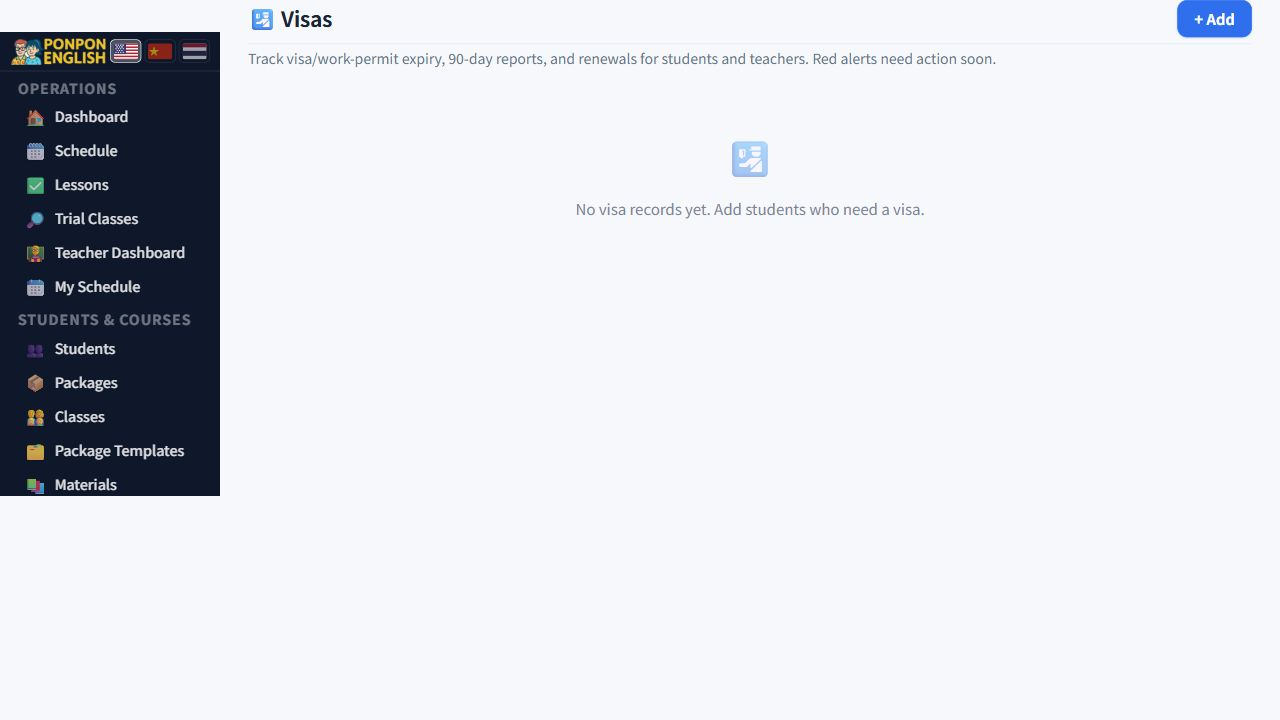
Visas
Student visas and teacher work permits in one place, with deadlines that chase you.
Open 签证管理 (visa management) from the sidebar. One screen covers both sides of the school's immigration work: the visas of students who come to study, and the visas and work permits of the teachers you employ. Each person's case is one record.
The progress bar
Every record shows a progress bar with five stages. The bar fills as the case moves forward, so you can see at a glance whether a case has just started or is nearly finished. Next to the bar the record shows a short hint of the next action.
Use the hint. It means office staff do not have to remember the order of steps for every visa type, and a case does not stop just because the person who started it is away.
The stage and the hint are only useful if they are true. When a document is submitted or an appointment is finished, move the record forward immediately. A record that is not updated will quietly give the wrong instruction to the next person who opens it.
Deadlines and colours
Three kinds of date are tracked for each case:
- The visa expiry date.
- The 90-day report.
- The renewal.
Each date is coloured according to how near it is. A date that is far away is quiet. As the date comes closer the colour becomes stronger, and a date that has already passed is shown in the strongest colour of all. Scan the list once a week and work from the strongest colours down.
An expired visa, a missed 90-day report or a late renewal can mean fines, or a teacher who cannot legally work. Treat the strongest colours as urgent, not as a reminder for later.
Document checklist
Each record carries a checklist of the documents the case needs. Tick each item as you receive it. Before an appointment, open the record and look at the checklist: anything not ticked is what you still have to collect. Ask for missing papers early, not on the morning of the appointment.
Automatic reminders
Once a day the system checks all the deadlines and sends email reminders by itself. Two people are reminded:
- The administrator, so the office knows what is coming.
- The person concerned, that is the student or the teacher.
Nobody has to open the app for this to work. But the emails only arrive if the email address in the record is correct, so check the address when you create a case.
Privacy and access
This screen holds passport numbers, visa numbers and personal documents. Access is restricted: the owner or manager and senior staff can open it. Junior staff and teachers cannot. Do not copy passport details into notes on other screens, do not send scans through chat apps, and close the screen when you leave your desk.
Keep using the same record when a visa is renewed. The history of stages and documents stays together, which is exactly what you need the next time an official asks a question.