Administration
Permissions
Set what each role can open, and know what changes the moment you save.
Current screens
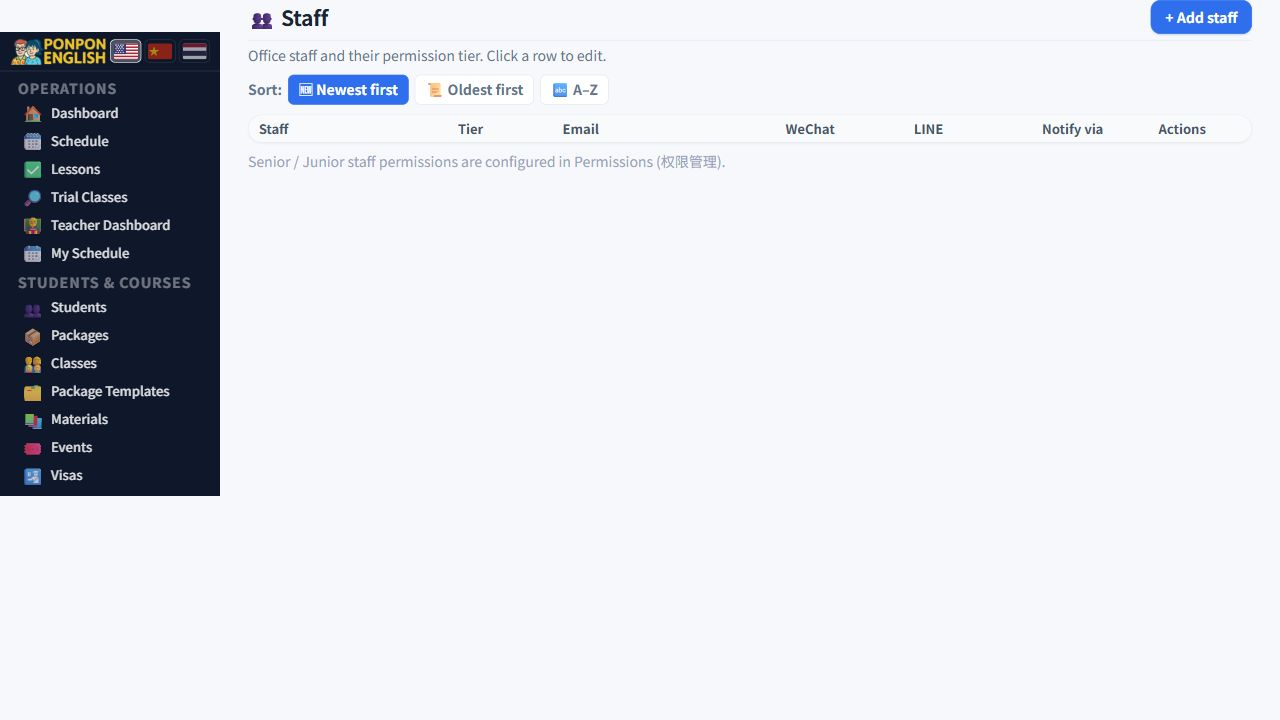
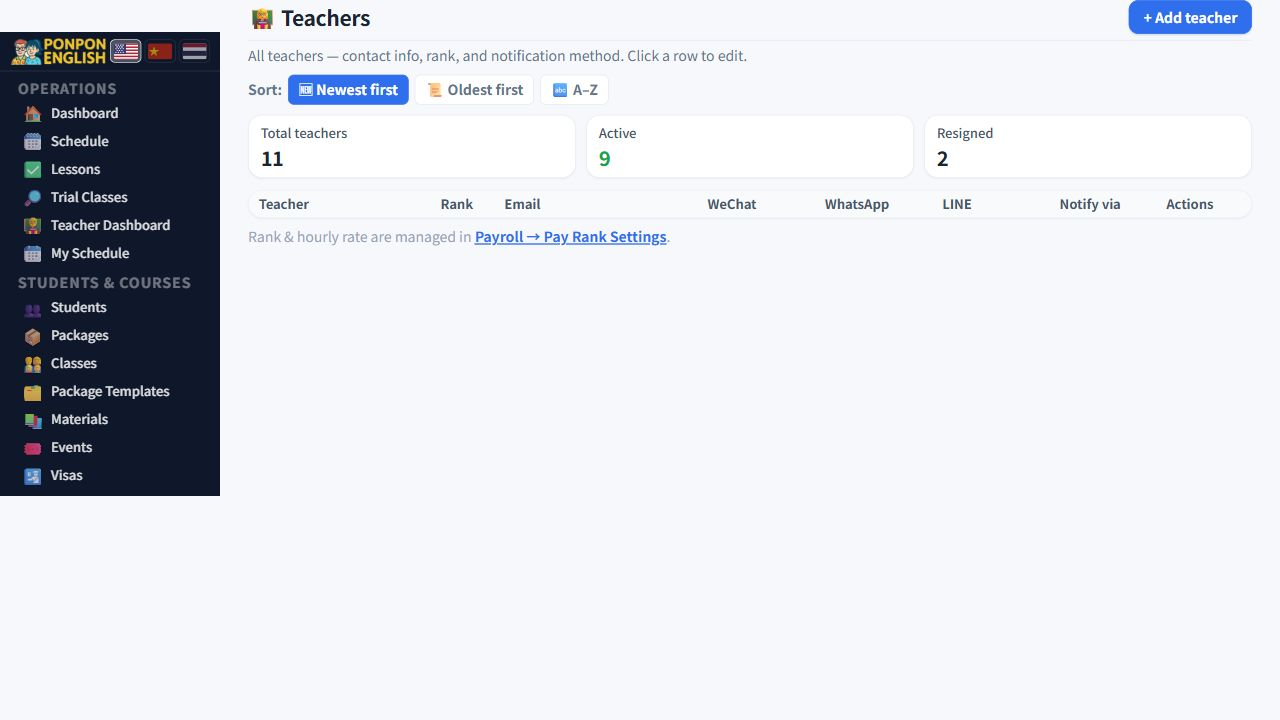
These images use the current English interface. Student and trial-customer details are replaced with demo labels.
Roles: who sees what
Read this before you change anything.
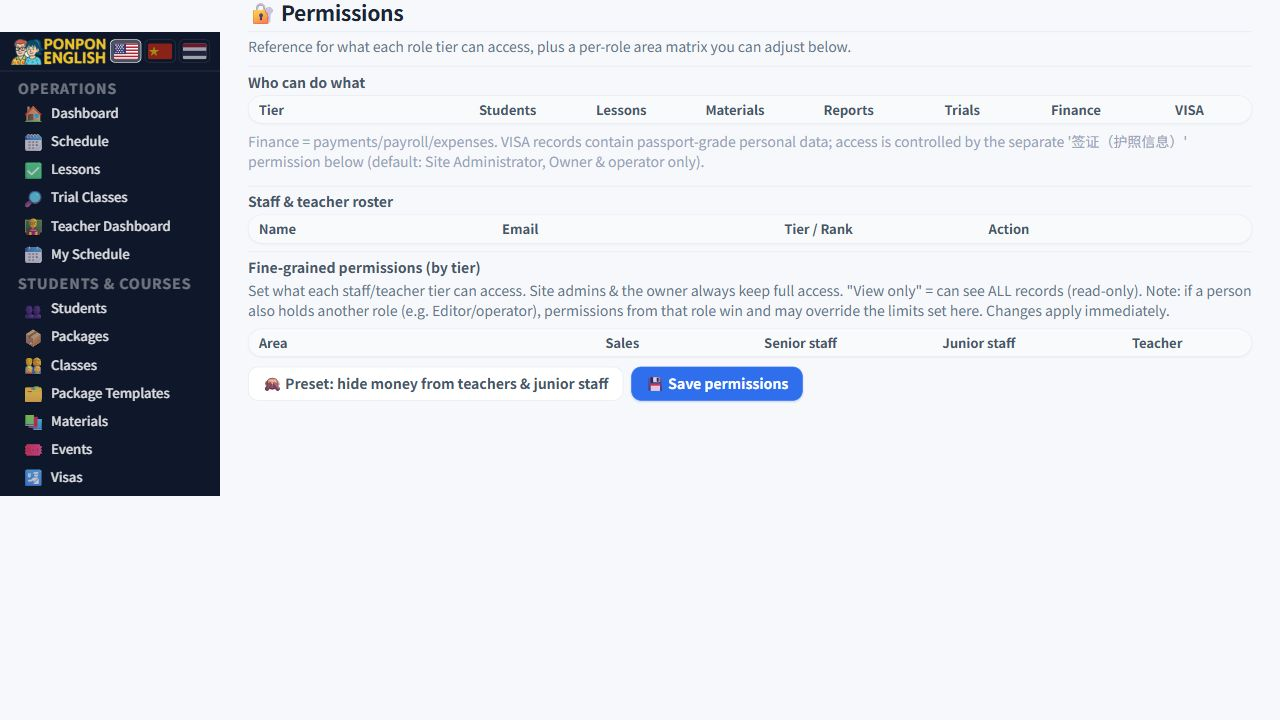
Everyone who signs in has one role. The role decides which screens appear in their sidebar. 权限管理 (permissions) opens with a reference table of the standard roles, so you can check a role before you give it to somebody.
| Role | Works with | Cannot open |
|---|---|---|
| Owner / manager | Everything: daily operations, students and courses, finance, admin | 设置 (settings), 数据一致性 (data consistency) |
| Senior staff 高级员工 | All eleven permission areas — in practice the same as the owner | 设置, 数据一致性 |
| Junior staff 初级员工 | Students and lessons only | Trials, money, reports, admin |
| Teacher 老师 | Students, lessons, materials, own pay. Trials can be read but not changed | 收款 (payments), 会计 (accounting), 报表 (reports), course packages |
设置 and 数据一致性 are not part of the matrix. They open only for a WordPress administrator account, even for the school owner. If you need them, ask whoever holds that account.
The permission matrix
Below the reference table is the matrix. Each row is one area of the system. Each column is one role. At every crossing point you choose one of three levels.
- Manage — the person opens the screen and can add, edit and delete.
- View only — the screen opens, but nothing can be changed. This is how teachers read trials.
- Hidden — the screen does not appear in the sidebar at all.
The sidebar is grouped as 日常运营 (daily operations), 学生·课程 (students and courses), 财务 (finance), 管理 (admin), 账户 (account) and 系统 (system). When you hide an area, it simply disappears from its group for that role.
- Open 权限管理.
- Find the area you want to change.
- Set the level for the role that must change.
- Save your change.
- Ask one person with that role to sign out, sign in again, and tell you what they now see.
Roles you cannot edit
Administrators, owners and operators are shown but cannot be edited. This is deliberate. If those rows could be switched off, one wrong click could close the last way into the system and lock everybody out, including you. Leave them as they are.
What happens when you save
This is not a cosmetic setting. Saving rewrites real access straight away. From that moment the person cannot reach the data behind the screen. The setting also stays in place when the plugin is updated, so you do not have to set it again after an update.
Teachers use 收款 to take money on the day of the lesson. Hide it and that money must be collected another way — for example the office records it afterwards. Agree the new working practice with your teachers first, then change the matrix. Not the other way round.
Change one area, test it with one person, then move on. If something goes wrong you know exactly which switch caused it.