Daily operations
Trials
Register trial enquiries, hand them to a teacher, and record the trial fee correctly.
Current screens
These images use the current English interface. Student and trial-customer details are replaced with demo labels.
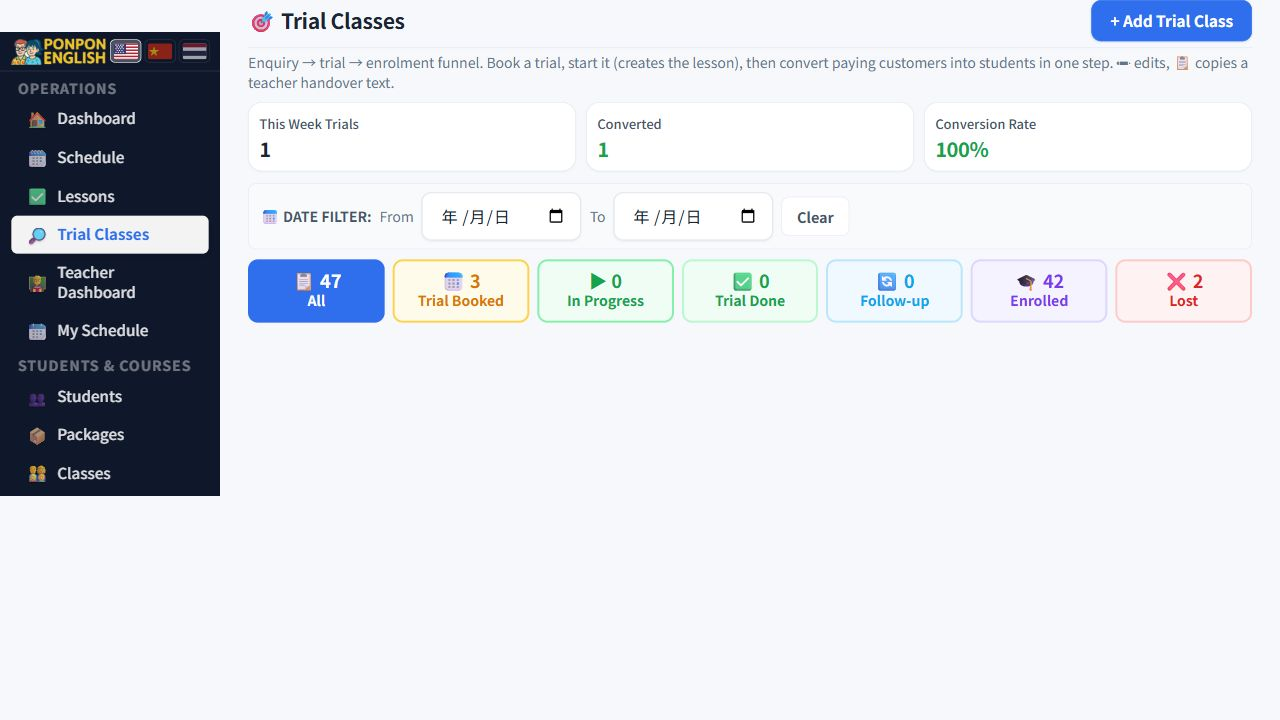
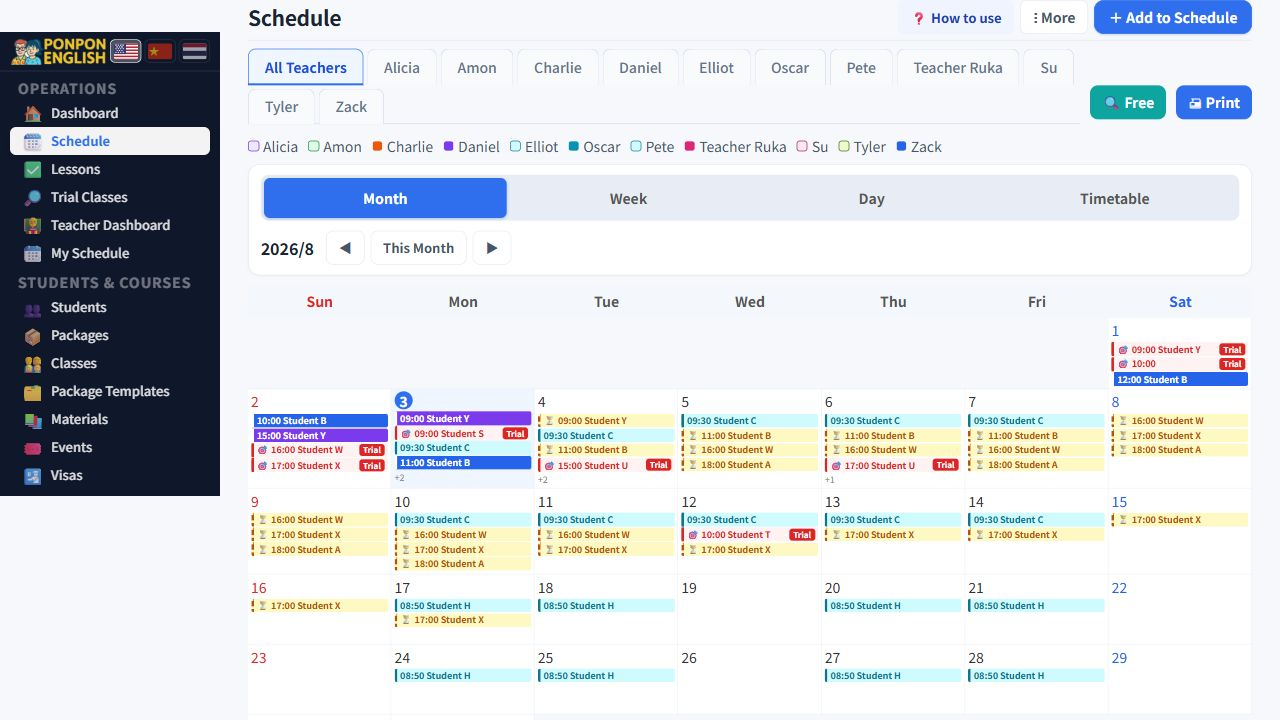
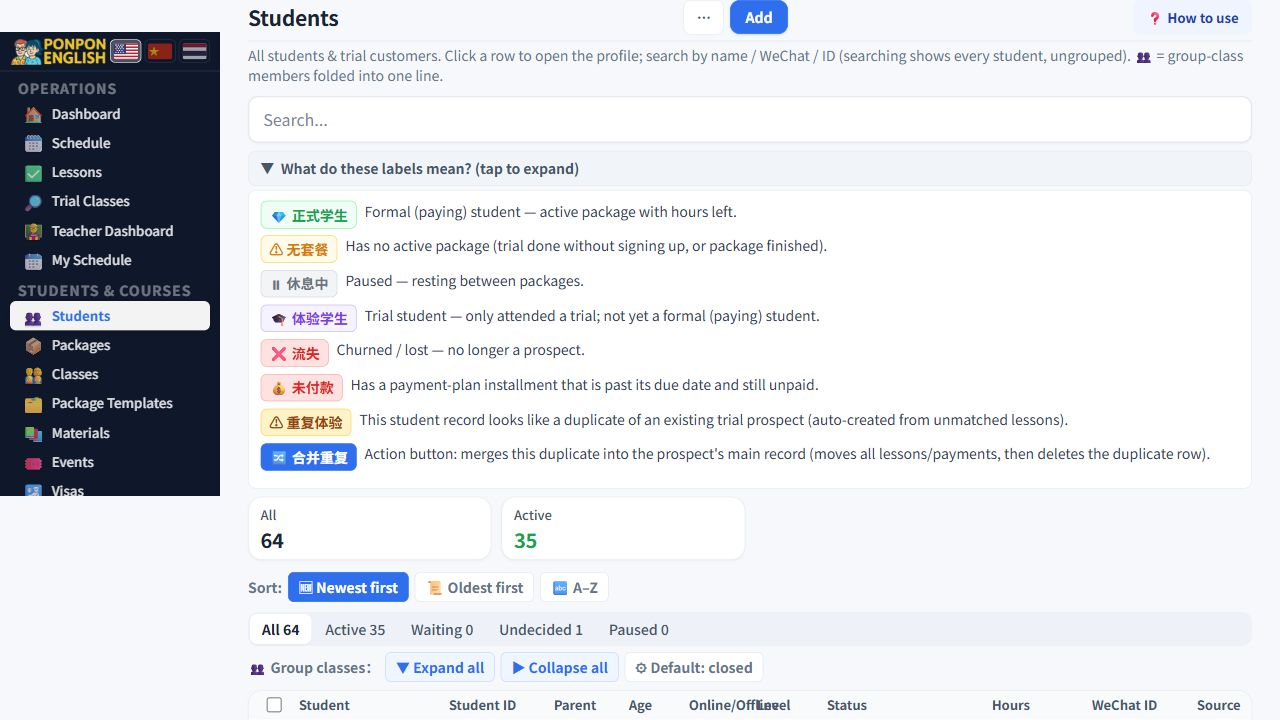
Trials
体验课 (trials) holds every enquiry from first contact until the family buys a package or is lost.
A trial is how a new family enters the school. Register it here, not as a student. The student record is created later, from the trial, once the family decides to continue.
Registering a new enquiry
- Open the trials page and start a new registration.
- Enter the contact name and how the family reached you.
- Enter the number of people who will attend. Read the warning below before you do this.
- Enter the age of each person attending.
- Write what the family wants, in their own words. For example exam preparation, or speaking practice before travel.
- Choose the location: at the school, online, or the teacher visiting the family.
- Save.
If two children are coming, enter two. If you enter one, only one of them can be turned into a student later. The second child cannot be registered from this trial at all. The trial row will also show a warning badge telling you that only one of two people was registered. Fixing this later costs far more time than getting it right now.
The handover text for the teacher
When you save the registration, the system builds a ready-to-send handover text in English from what you entered. It is written so it can be sent to a teacher without editing.
There is a copy button next to it. Press it once and the whole text is on your clipboard. Paste it into your normal messaging app and send it to the teacher who will take the trial.
The handover text is only useful if the teacher gets it before the class. Copy and send it while you are still on the registration screen.
Stages and follow-up
Each trial moves through stages, from a new enquiry, to a booked trial, to a finished trial, and then either to enrolment or to lost. Update the stage as soon as something changes, because the rest of the system counts trials by stage.
You can also set a follow-up date on a trial. Use it when a family says they will decide later, or when they are away and will return in a few months. Add a short note with the date so the person who follows up knows what was agreed.
Teachers can view trials so they can prepare, but they cannot edit them. Junior staff cannot see trials at all. Registration and follow-up are the job of senior staff, the manager or the owner.
The trial fee rule
This is the rule that causes the most damage when it is broken, so it is worth reading twice.
Sometimes a family pays only for the trial class itself, for example 500 THB, and decides about a package later. When you record that money, you must record it with the trial-fee-only option.
If you do not use the trial-fee-only option, the trial hour stays attached to the normal hour counting. When the family later buys a package, that same trial is subtracted from the package hours a second time. The family loses hours they paid for, the school looks careless, and the mistake is only noticed weeks later when the numbers do not match.
The opposite case is different. If the family pays for a package and the trial is included in that package price, do not record a separate trial fee at all. Record the package payment only.
Ask yourself one question: is this money only for the trial class? If yes, use the trial-fee-only option. If it is part of a bigger purchase, record the package instead.