Students and courses
Course Packages
How bought, used and remaining hours are stored, corrected, extended and closed.
Current screens
These images use the current English interface. Student and trial-customer details are replaced with demo labels.
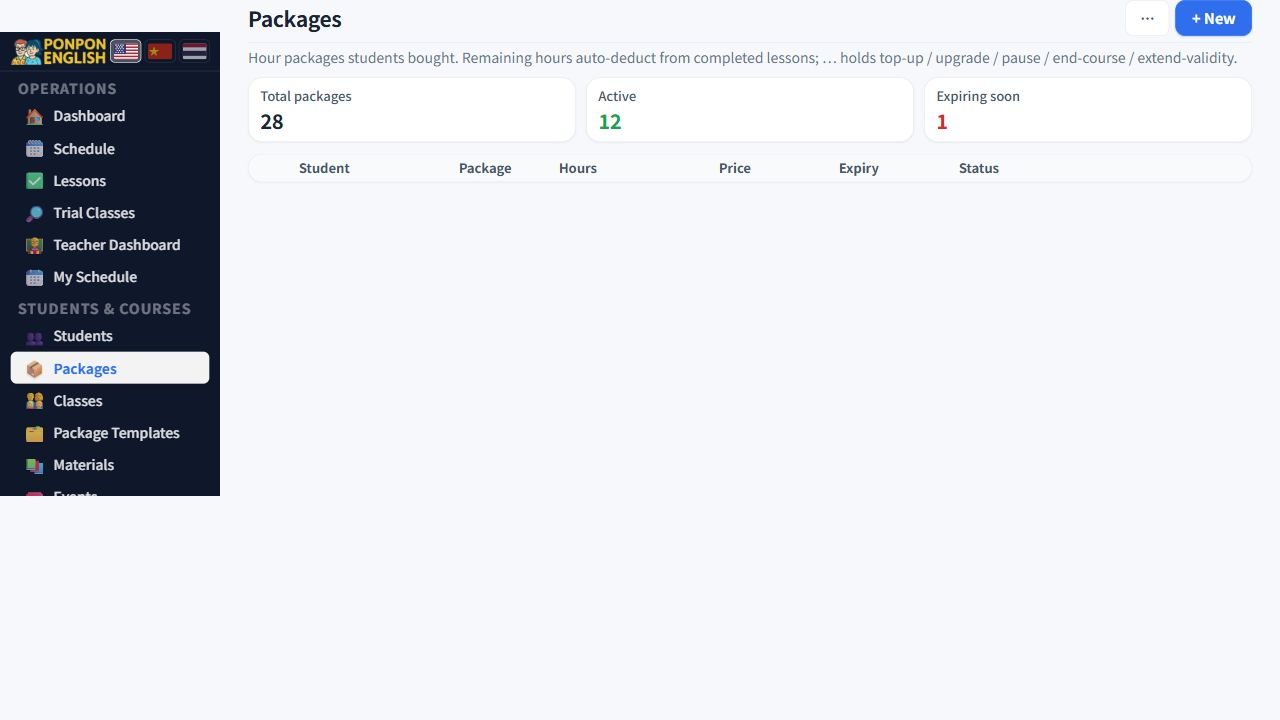
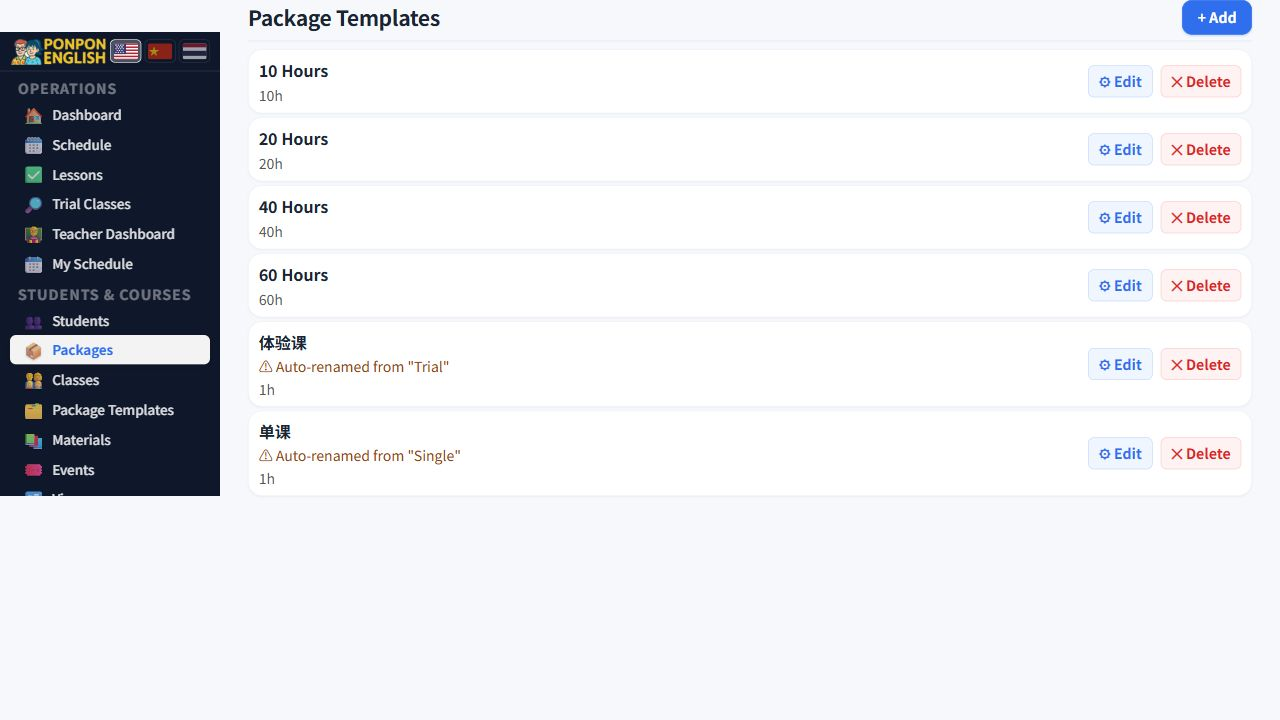
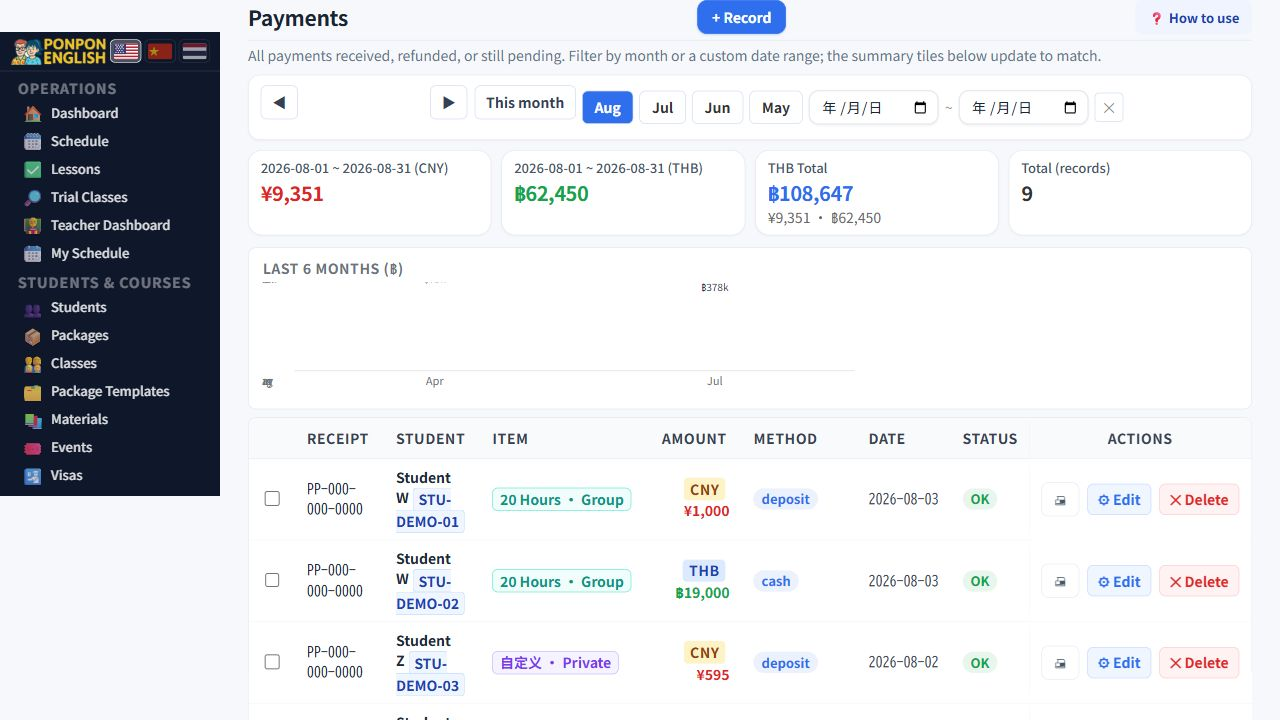
Course Packages
The block of hours a family pays for, and every safe way to change it.
A package (课时套餐, course package) is the agreement between the school and a student. It stores four things: the hours bought, the price paid, the date the hours expire, and whether the lessons are 私教课 (one-to-one) or 小组课 (group class). Everything the app says about remaining hours comes from here.
Create a package
- Open the student who is paying, or open the course packages screen.
- Start a new package and choose the owner.
- Enter the hours bought, the price and the currency, for example 1,000 THB.
- Set the expiry date.
- Choose the type: one-to-one, or group if other students will share these hours.
- Save. Lessons can now be booked against the package.
If a package stays one-to-one, only that one student can use it. Read the group classes page before you let brothers, sisters or classmates share hours.
Package templates
Open 套餐模板 (package templates) when the school sells the same hour bundles repeatedly. A template stores the standard name and hours, so staff choose a known product instead of typing a new package from memory each time. Edit the template when the school changes the product; do not create several templates with the same meaning.
Correcting hours, and refunds
Both the hours bought and the hours remaining can be edited by hand. This is also how a refund is recorded in the course record: reduce the hours to the number the family really keeps, and record the money itself in the finance screens.
Never change hours to "tidy up" a screen. Write the reason in the notes, and have a second person agree before a large change. A wrong number here becomes a wrong invoice later.
An expired package that still has hours
When a package passes its expiry date, the hours inside it stop counting. If the school decides to give those hours back, use 延长有效期 (extend the validity). Choose a new expiry date and save. One button is enough. The package becomes active again and the remaining hours are counted everywhere in the app, so lessons can be booked as normal.
Ending a course, and voiding a mistake
These two look similar and mean opposite things.
| Action | Use it when | Result |
|---|---|---|
| 结束课程 (end the course) | The student stops and both sides agree the unused hours are gone. | The package is closed on purpose and the remaining hours are written off. It is a decision, and it stays in the history. |
| Voiding | The package should never have existed: a typing error, a duplicate, a wrong student. | The record is cancelled. No one lost hours, because nothing was really sold. |
Recharge and upgrade
Use 充值 (recharge) when a family buys more of the same thing. Hours are added to the package that already exists, so the history stays in one place. Use 升级 (upgrade) when the family moves to a different plan, usually a bigger one. The old package is closed and the new one takes over.
Low and negative hours
The app watches every active package. When the remaining hours fall to a small number, the student is marked with a low-hours warning. When more hours have been taught than were bought, the remaining figure goes negative and a stronger warning appears on the student list and on the dashboard. Treat a negative figure as unpaid teaching and deal with it at once.
Packages are office work. Teachers cannot see course packages, payments, accounting or reports.