Money
Contracts and billing
Download student contract PDFs and reprint receipts from the billing archive.
Current screens
These images use the current English interface. Student and trial-customer details are replaced with demo labels.
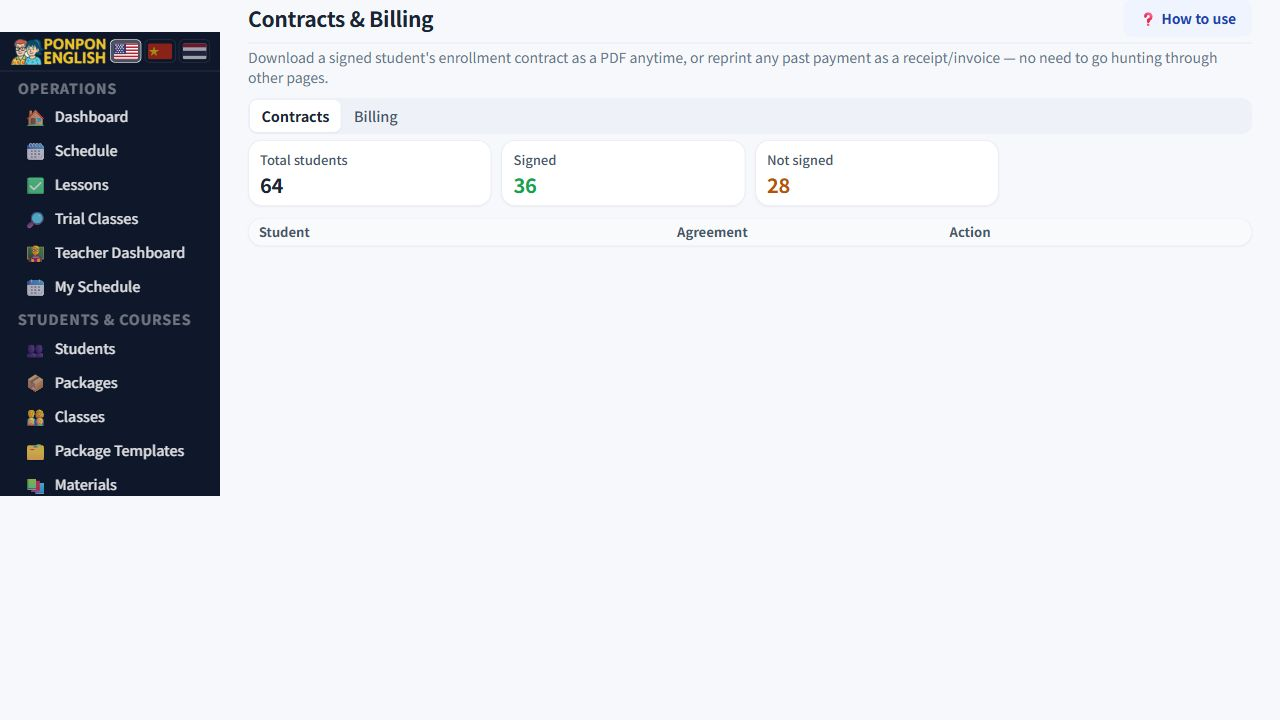
Contracts and billing
The student contract PDF, and the archive of receipts.
Open 财务→合同与账单: the finance group, then contracts and billing. The page has two tabs. One produces the contract for a student. The other keeps every receipt the school has issued.
Tab 1: the contract
The contract is a PDF built from three parts: the student's own details, the school terms, and the signature captured from the student or parent. You do not type the document. You choose the student and download it.
- Open the contracts tab.
- Find the student.
- Download the PDF.
- Open the file and read it once before you send or print it.
You can download the contract for any student, signed or not. If a signature has been captured, it appears in the PDF. If not, the PDF comes out without one. That is what you want when the family will sign on paper, or will sign later.
Download the unsigned contract before a new family arrives and print it. They can read the school terms while you finish the paperwork. The PDF always contains the current terms, so no old printed version is left in circulation.
The PDF copies whatever is on the student record. A wrong name, phone number or address goes straight into the contract. Correct the student record first, then download the PDF again.
Tab 2: billing
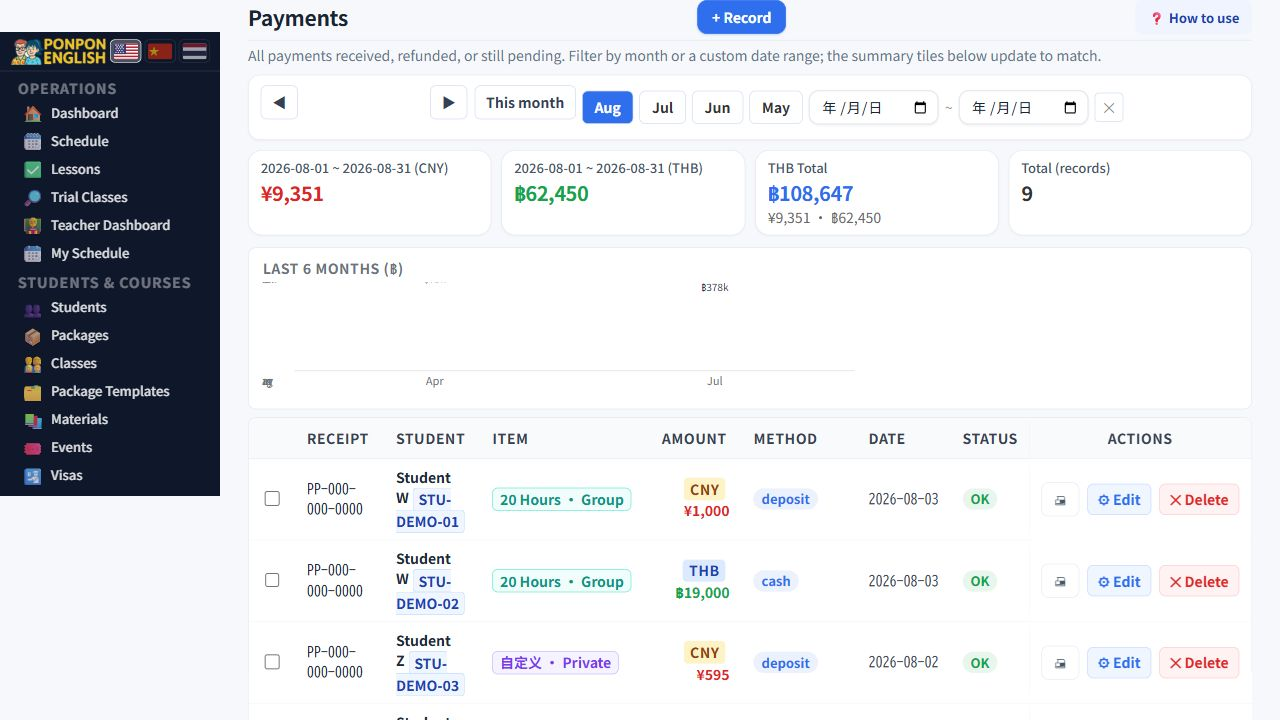
The billing tab is the archive. Every receipt the school has issued is stored here, and any of them can be printed again. Students lose receipts, parents ask for a copy months later, and accountants ask at the end of the year. You never need to search through old email.
- Open the billing tab.
- Find the receipt by student or by date.
- Print or save it, and give the copy to the family.
A receipt exists in this archive because someone recorded a payment on 收款 (payments). If a receipt is missing, the payment was never recorded. Go and record the payment. Do not build a receipt by hand.
Handle the files carefully
A contract PDF holds personal information about a child and a family. Send it only to that family. Do not leave downloaded copies on a shared computer, and remove the file from the desktop once you have sent or printed it. The system keeps the original, so you can always produce it again.
Owners, managers and senior staff. Teachers and junior staff do not see contracts or billing.