Money
Money log
Every payment out of the school: who was paid, how much, and who confirmed it.
Current screens
These images use the current English interface. Student and trial-customer details are replaced with demo labels.
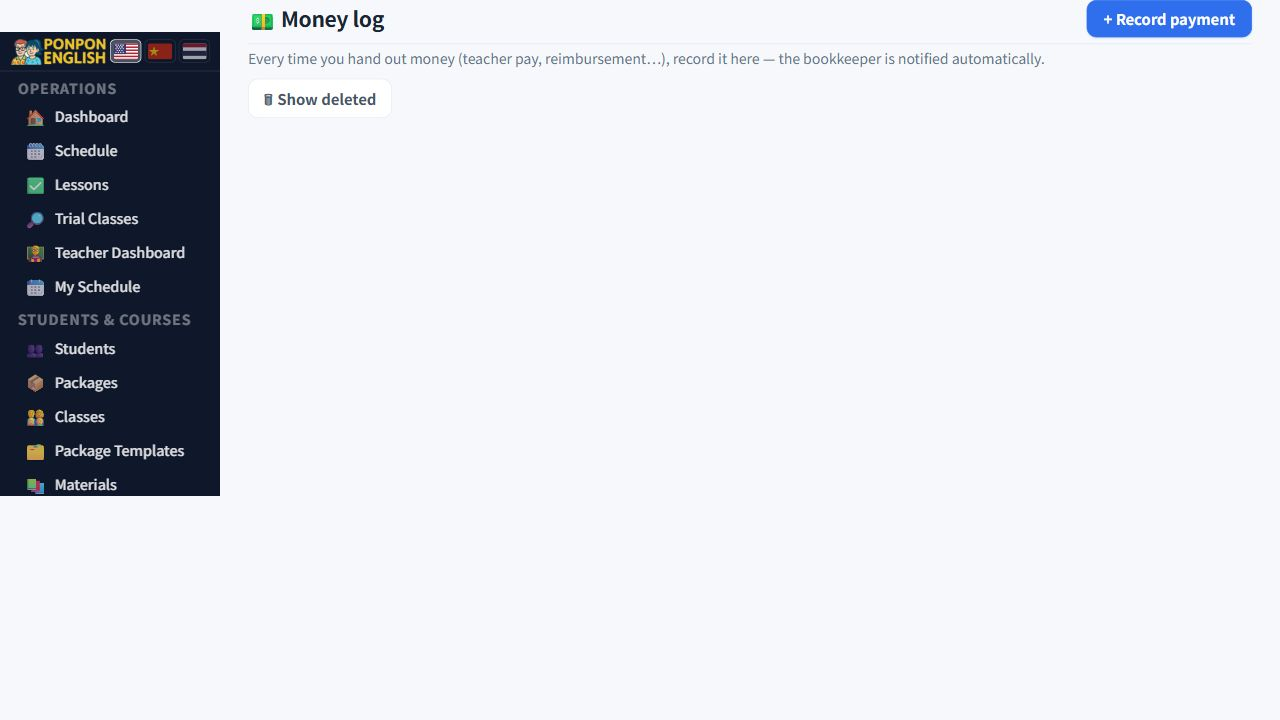
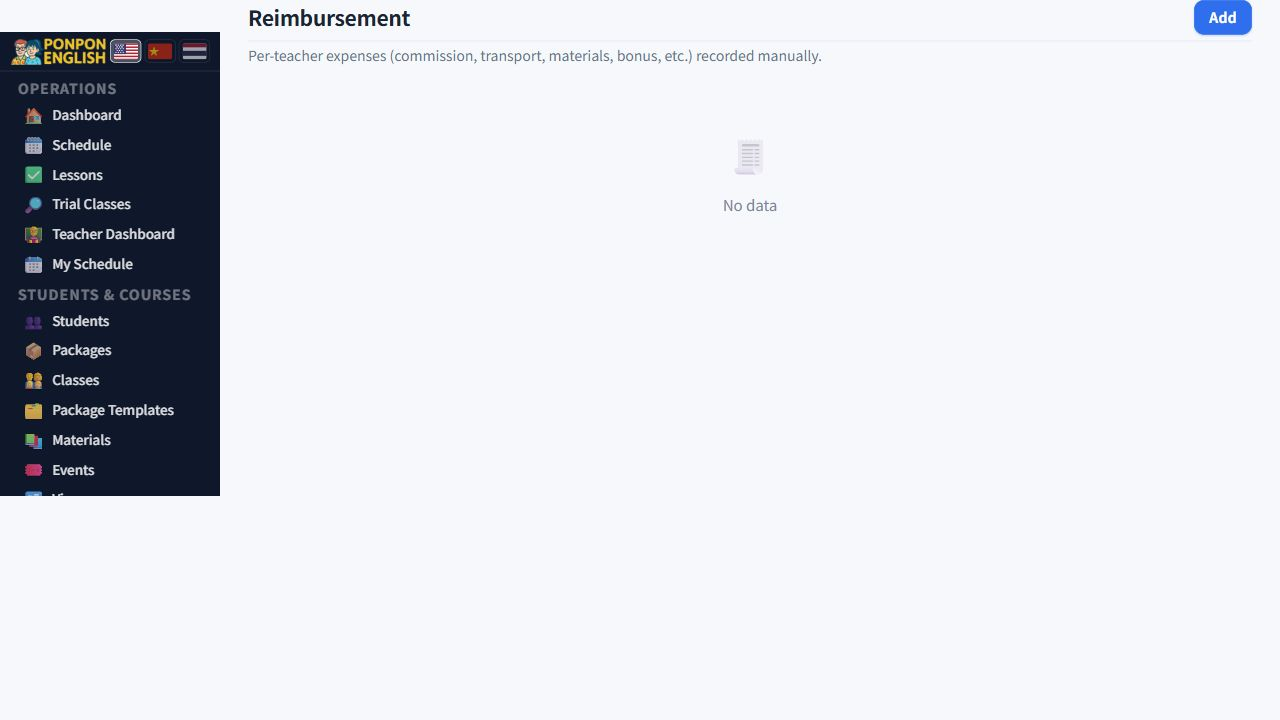
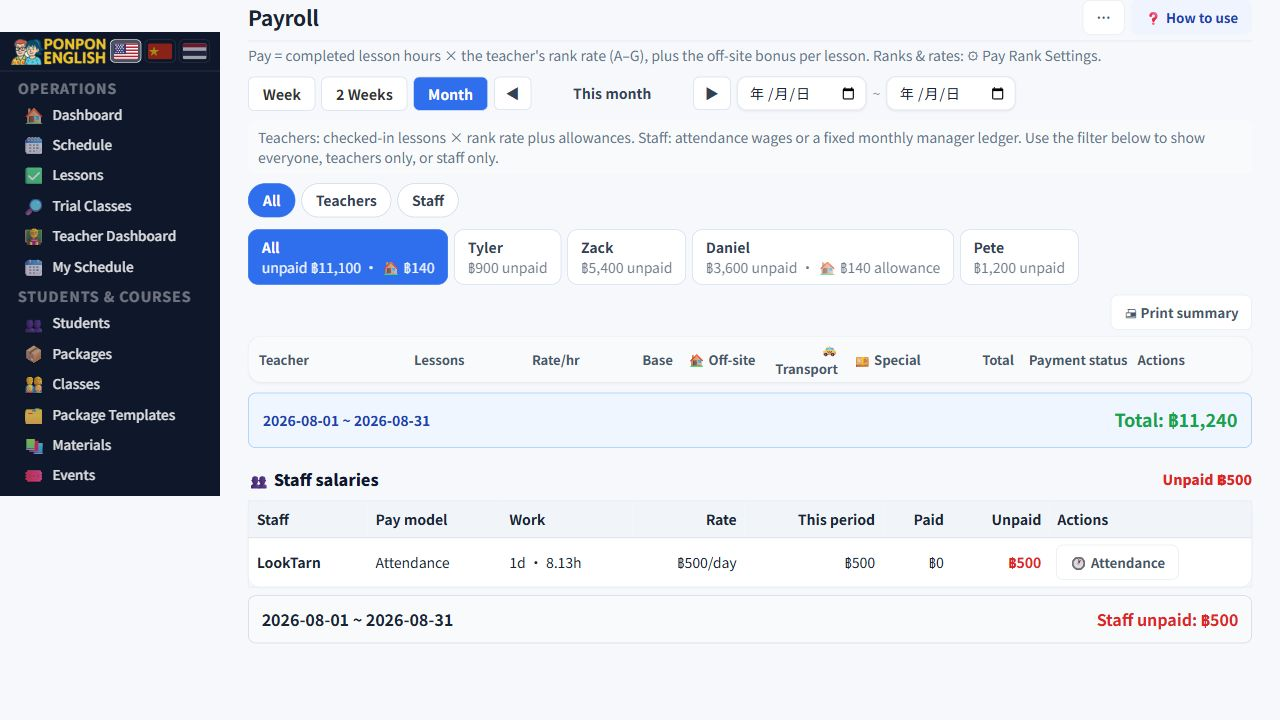
Money log
One list of every payment that leaves the school.
Open 财务→给钱记录: the finance group, then the money log. Teachers, office staff, and anyone else you pay. Every payment out belongs in this one list. If money left the school and it is not here, the profit and loss is wrong.
What one record holds
- The amount and the currency.
- The reason for the payment.
- Withholding tax, if any was deducted.
- The date the money was handed over.
- The person who handed it over.
Write the reason in plain words that someone will still understand next year. "Salary, March" is useful. "Payment" is not.
The bookkeeper is told automatically
Every record sends an email to the bookkeeper. You do not have to forward anything. This is also why a careless test record is a nuisance: the email has already gone out.
Locked records
Records created by a payroll run or by an attendance payment are locked and show a padlock. That is deliberate. The page that created the record is the source of truth, and the money log must stay identical to it. To change one, go back to the page that created it and correct it there.
Confirming that the money was received
The person who received the money can be recorded as having confirmed it. Once a record is confirmed, ordinary staff can no longer change it. Only an administrator can override a confirmed record. This protects both sides, because a confirmation cannot be quietly edited away later.
If the amount on a confirmed record is changed, the confirmation is removed and the record has to be confirmed again. This is not a fault. It means nobody can raise or lower a figure that another person has already agreed to.
Deleting a record
A deleted record is hidden from every total, so your figures are correct straight away. It is not destroyed: it is kept for audit, and an administrator can restore it. Delete only records that should never have existed, such as a duplicate. Do not delete a real payment because the amount was wrong. Correct the amount instead.
Never delete a record that a payroll batch created. The lessons stay marked as paid while the money record vanishes. Use the option in 工资 (payroll) to set the batch back to unpaid, then record it again.
Good habits
- Record the payment on the day the money leaves, not at the end of the month.
- Enter the true currency. Do not convert it in your head.
- Name the person who handed the money over, even when that person is you.
- Ask the receiver to confirm, so you are not the only witness.
Owners, managers and senior staff. Teachers and junior staff cannot see it. Some corrections need a WordPress administrator account.