Students and courses
Materials
Upload teaching materials, tag them, and attach them with page numbers to a lesson.
Current screens
These images use the current English interface. Student and trial-customer details are replaced with demo labels.
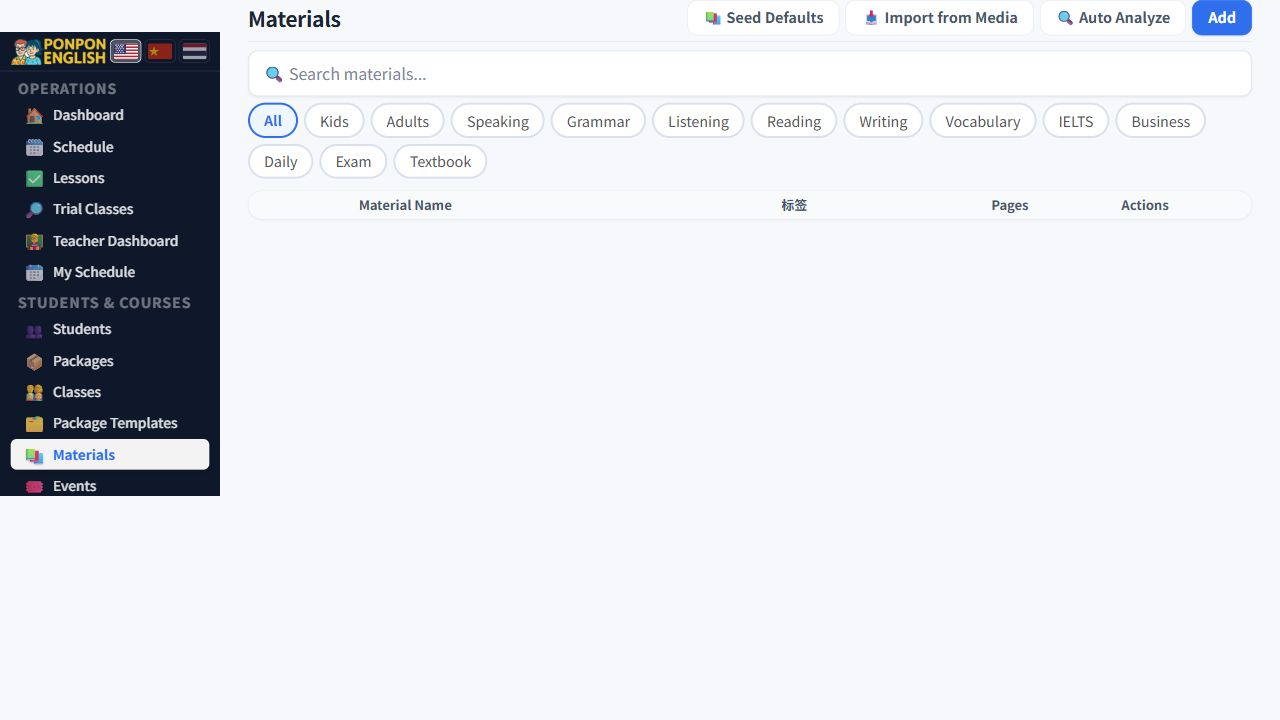
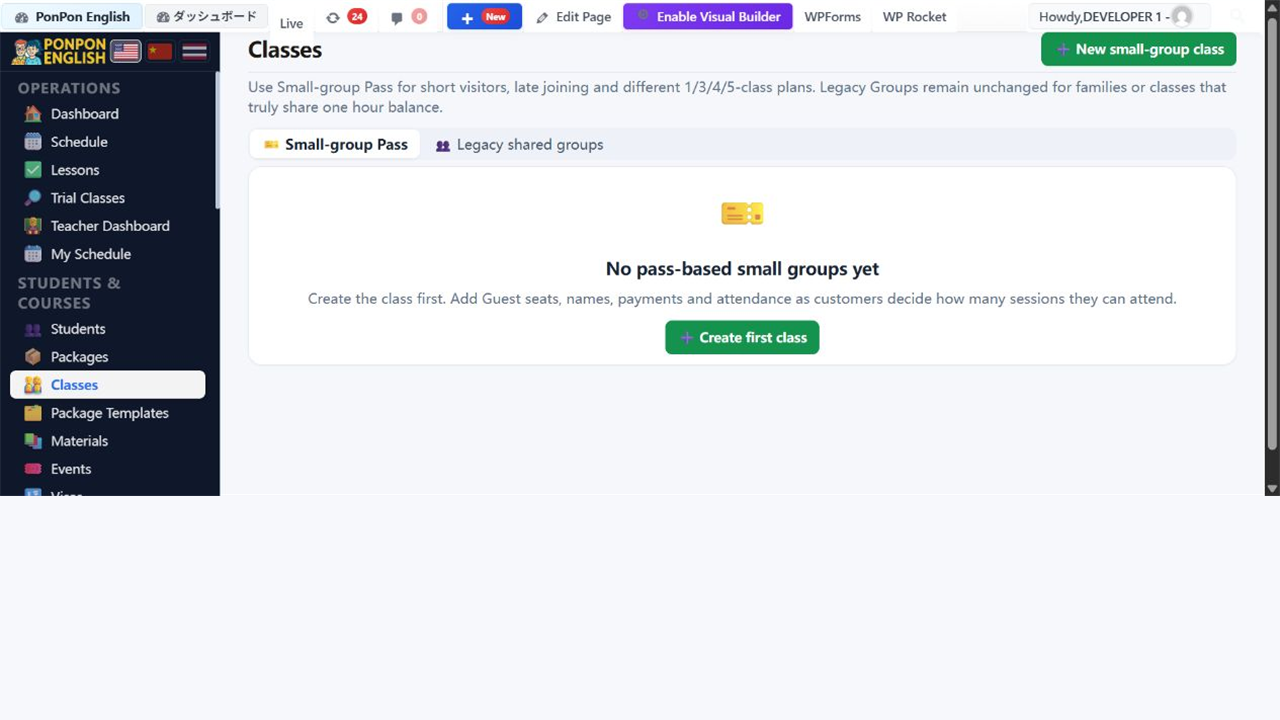
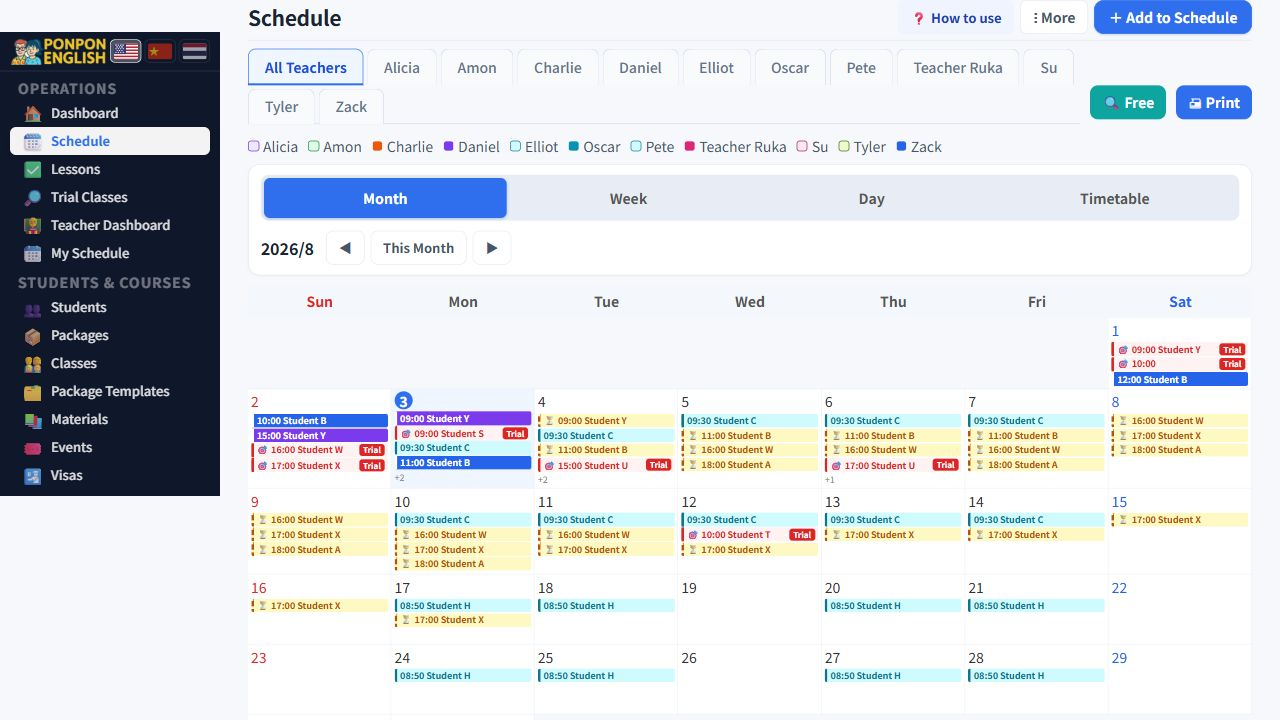
Materials
The shared library, and the note that tells the next teacher where to continue.
Open 教材 (materials) from the sidebar. This screen is the school's shared library of books, worksheets and files. Its real purpose is simple: any teacher who takes a class must be able to see what was used and where the last lesson stopped.
Add a material
There are two ways to get a file into the library.
- Upload a new file from your computer or phone.
- Import a file that is already in the website media library, so the same document is not stored twice.
Give every material a name another person will understand. "Beginner conversation, book 1" is useful. "scan2.pdf" is not. A good name saves more time than any search box.
Tags
Tags group materials so they can be found again: level, age, skill, exam. Add the tags while you are uploading. It takes a few seconds then, and saves minutes every week afterwards.
A tag is saved in Chinese, but it is displayed in the language you are reading the app in. An English reader and a Thai reader see the same tag in their own language. So do not create a second, English-only tag that means the same thing as one that already exists.
Search
Use the search to find a material by its name or by a tag. Always search before you upload. The file you need is often already in the library, added by a colleague under a different name.
Attach a material to a lesson
This is the most valuable habit on this screen.
- Open the lesson you have just taught.
- Attach the material you used.
- Write the page numbers you covered, for example pages 12 to 18.
- Save.
The next teacher opens the same student, sees the book and the last page, and starts on the right page. No message, no phone call, no lesson repeated by accident. When a teacher is sick and a colleague covers the class, this one line is the difference between a smooth lesson and a wasted hour.
Materials are open to teachers as well as office staff. Ask every teacher to attach the material and the page numbers at the end of each lesson, while it is still fresh.
Keep to material the school owns or is licensed to use. Do not upload student photos, passports or other personal documents here. This is a shared library, not a private file store.