When something looks wrong
When the numbers look wrong
Find the real cause when hours, packages or teacher pay do not match what you expect.
Current screens
These images use the current English interface. Student and trial-customer details are replaced with demo labels.
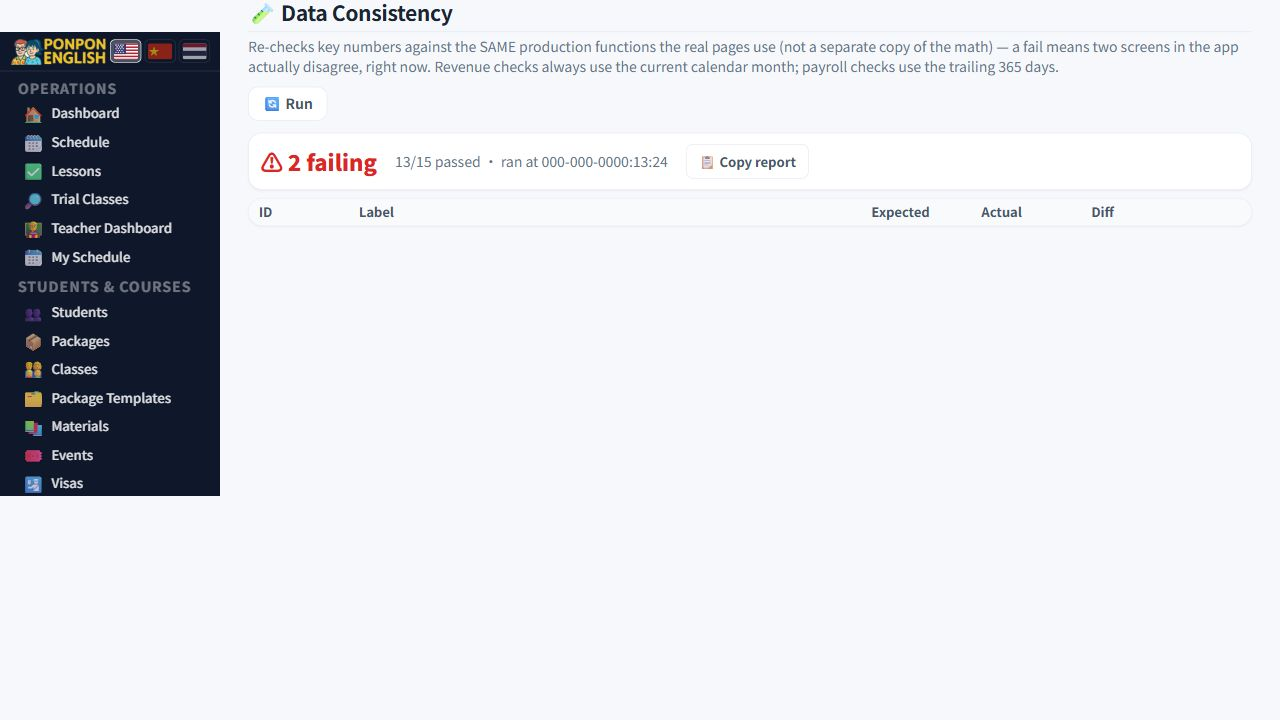
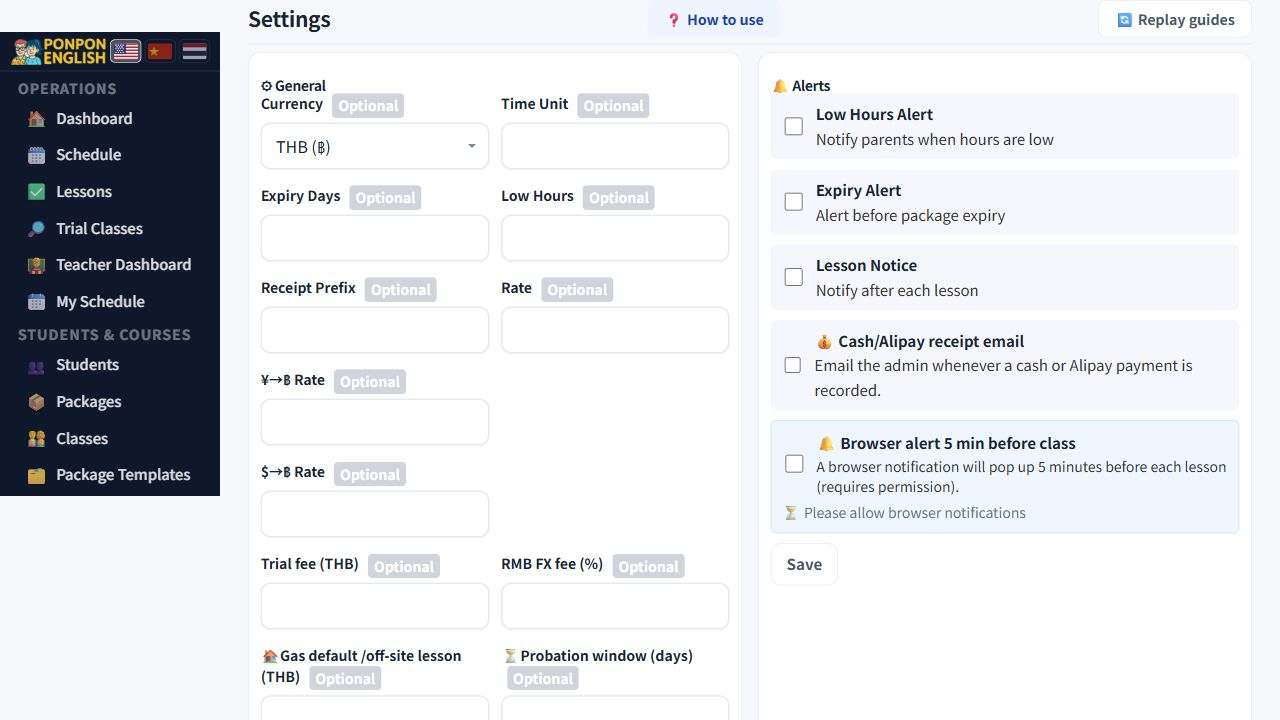
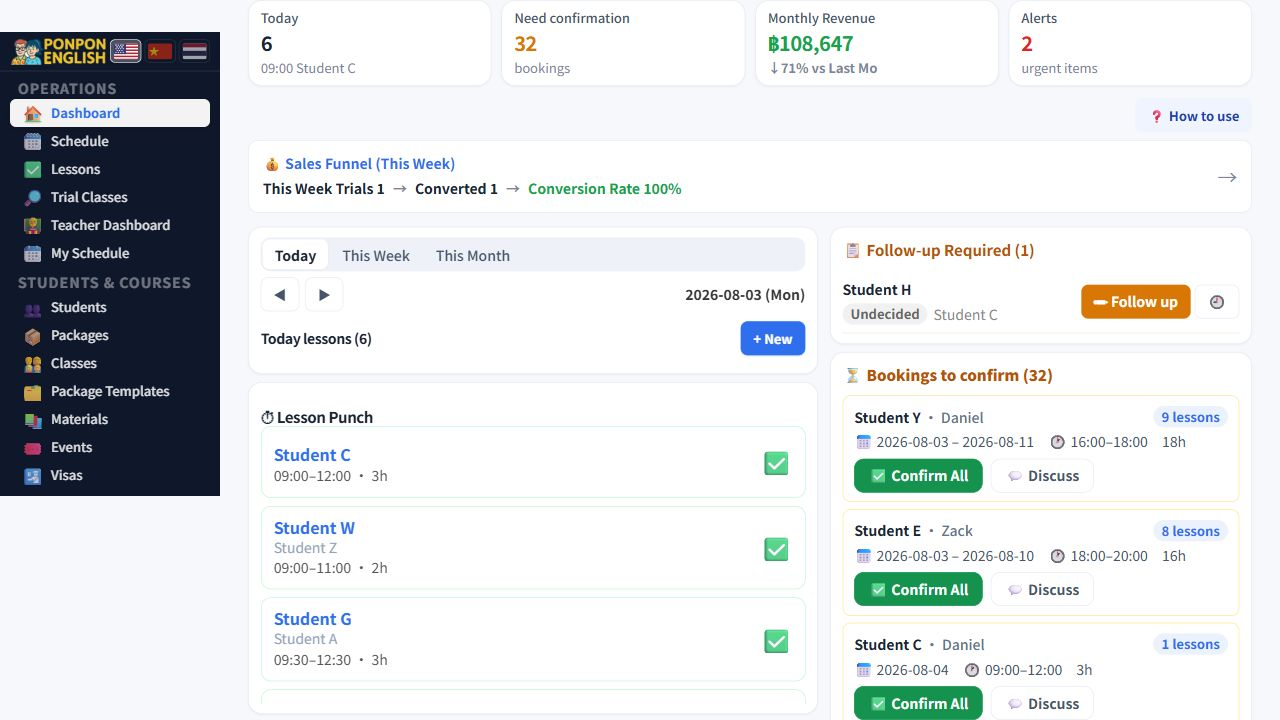
Start here
Do not correct the number. Correct the lesson or the package behind it.
The system counts hours from lessons. Every total you see on screen is built again from the lesson list. So when a total looks wrong, one lesson or one package is wrong. Find it, fix it, and the total corrects itself. If a screen named on this page is missing for you, your role does not include it. Ask the owner or a senior staff member to look instead.
Only a lesson marked 完成 (completed) takes hours off a package. A lesson that is still only planned takes nothing, even if it was taught last week.
Symptom, first suspect, cure
| What you see | First thing to suspect | How to fix it |
|---|---|---|
| The lesson was taught, but 剩余课时 (remaining hours) did not go down. | The teacher never marked the lesson done. 打卡 (mark a lesson done) was skipped. | Open 上课记录 (lesson records) and find the lesson. A date in the past that is still shown as scheduled is the proof. Mark it done. |
| A 体验课 (trial lesson) is also being deducted from the package. | The trial fee was collected separately, but the lesson was not recorded with the trial-fee-only option. | Mark the trial fee as settled, then unlink that lesson from the package. |
| Two brothers or sisters have mixed-up hours. | They share one family contact id, so the system pools their hours into one bucket. | If they really study together, make the package a 小组课 (group class) package and set the classmates. If it was simply the wrong record, change the student on the lesson. |
| A group class is billed once for every person. | The package is still a 私教课 (private, one-to-one) package. | Switch the package type to group, then add the members. |
| Hours are still left, but they cannot be used. | The 课时套餐 (lesson-hour package) has passed its expiry date. | Extend the validity from the package menu, then use the hours as normal. |
| Teacher pay is not the amount expected. | 校外 (off-site) allowance and 交通费 (transport) are entered on each single lesson, not once for the month. | Open the lesson from the payroll row and check those two fields on that lesson. |
| A cancelled lesson is still being paid. | It was left as cancelled. | Mark it 缺席 (absent) with a reason instead. A reason is required. |
Check in this order
When somebody disputes hours, do not guess and do not edit totals. Ask these four questions from the top and stop at the first "no".
- Is the lesson completed? A lesson that is not completed changes nothing.
- Is the lesson linked to the right package? A wrong link moves hours from the wrong place.
- Is that package the right type, group or private? The type decides how the hours are shared.
- Are the members of the package right? One missing or one extra member changes who pays.
Almost every dispute about hours is answered by one of these four questions. Work down the list before you change any figure by hand.
After you correct a lesson or a package, reload the screen and look again. Totals are calculated again from the lessons. If you also adjust the package by hand, the student loses hours twice, or is charged twice.
Before you ask for help
Write these five lines down first. With them, most cases are answered in one reply. Without them, any answer is only a guess.
- The exact screen you were on, and the date you were looking at.
- The number you expected, for example 20 hours left.
- The number the screen actually showed.
- The student or the teacher concerned.
- Anything you already changed while trying to fix it.
A screenshot of the whole screen helps more than a photo of one number, because the surrounding rows usually show the cause.