Money
Payments
How to record money in, split currencies, balances due, receipts and refunds.
Current screens
These images use the current English interface. Student and trial-customer details are replaced with demo labels.
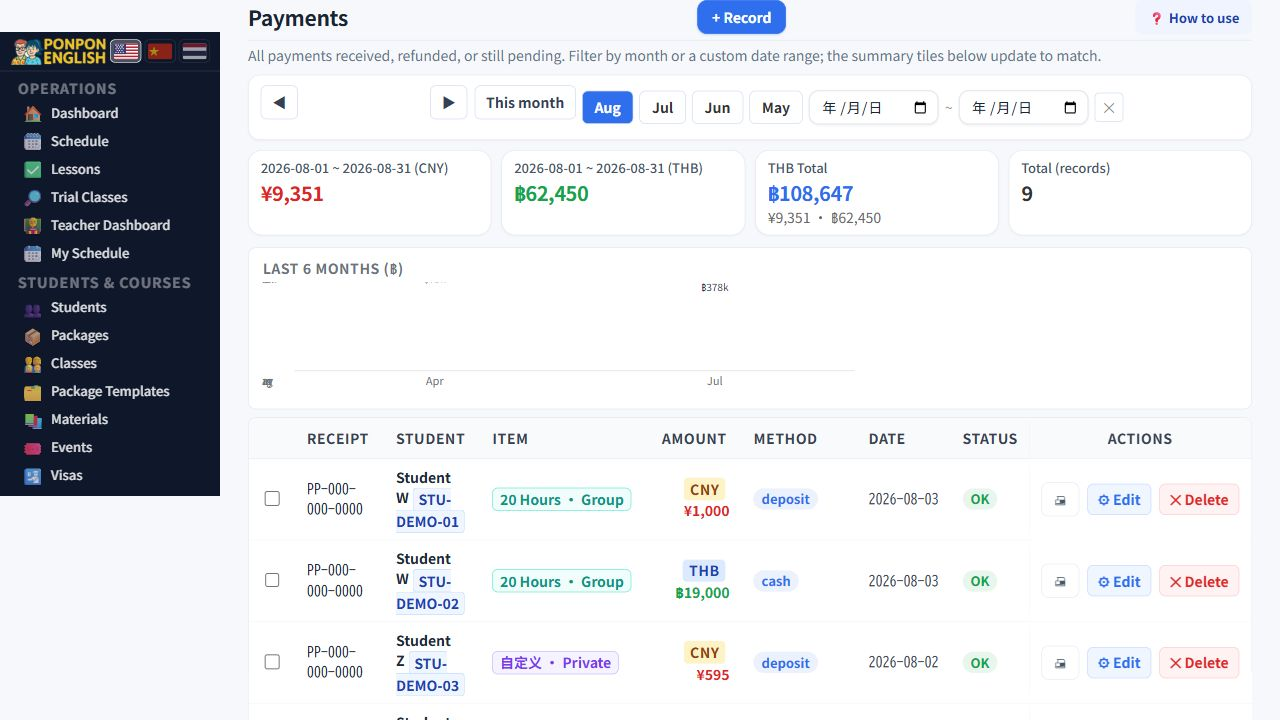
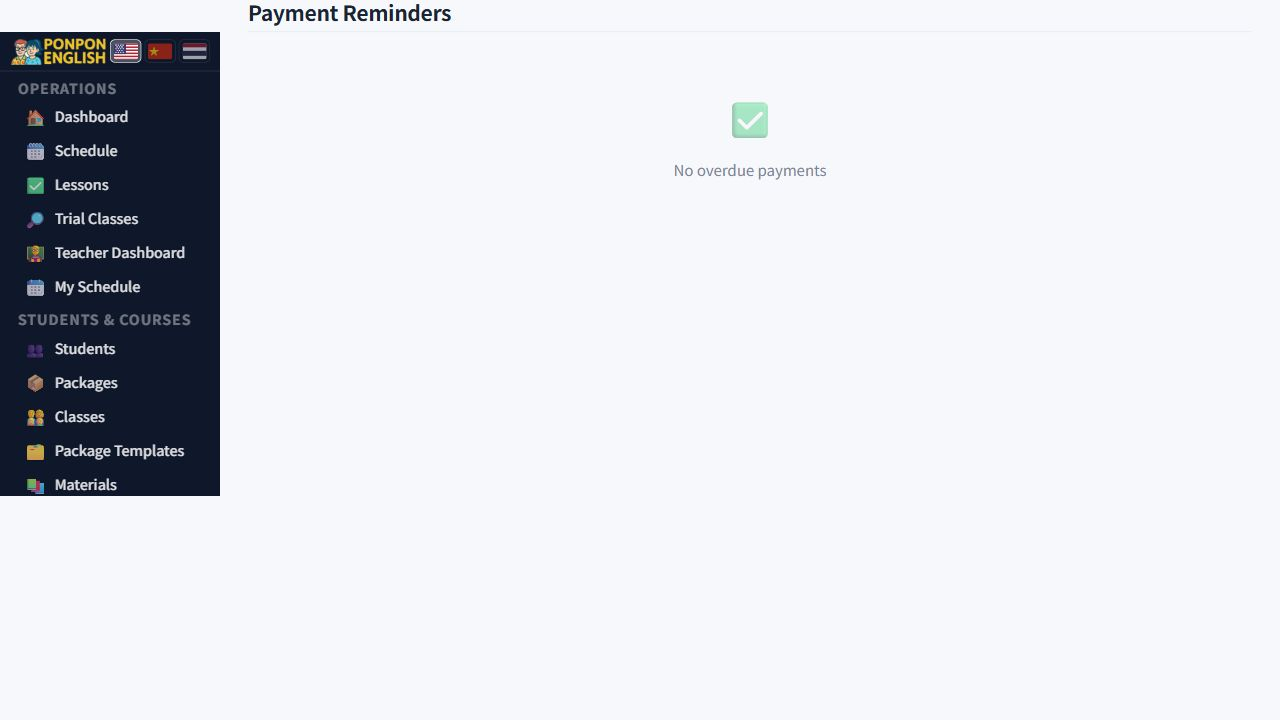
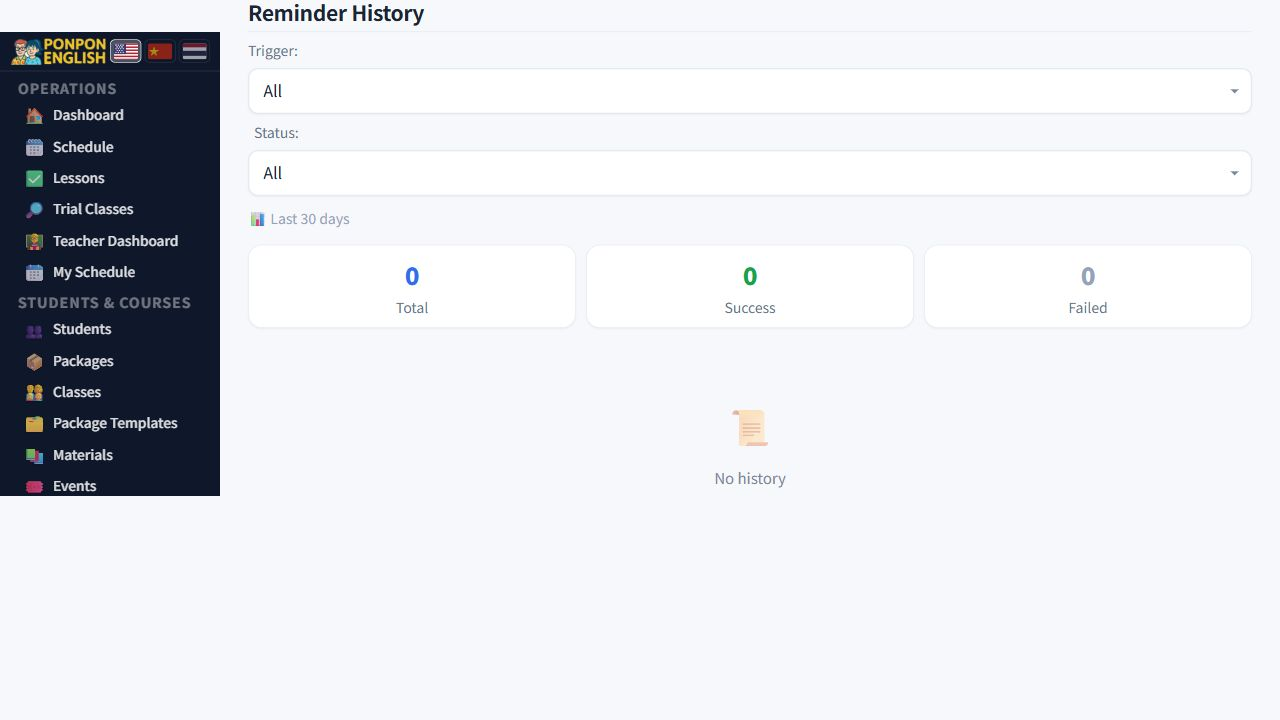
Payments
Record every payment the school receives.
Open 财务→收款 in the sidebar: the finance group, then payments. Money is not counted anywhere in the system until a payment record exists here. Record it on the day it arrives.
Owners, managers and senior staff. Teachers and junior staff cannot see payments at all. If a teacher receives cash from a family, they pass it to the office and the office records it.
Record a payment
- Open the payments page and start a new record.
- Choose the student who paid.
- Enter the amount and choose the currency, for example 1,000 THB.
- Choose the payment method and the date the money actually arrived.
- Link the record to the course package it pays for, if there is one.
- Save.
One payment in two currencies
A family sometimes pays part in local currency and part in a foreign currency. Do not create two records. A single payment record can hold the amount split across two currencies. Enter both parts inside the same record. The payment then stays tied to one student and one package, and the receipt shows what the family really handed over.
The exchange fee on foreign currency
When the payment includes a foreign currency, an exchange fee is added to that part. The fee is a percentage. It is configured once by an administrator, not typed in for each payment, so every staff member charges the same and nobody has to remember the rule. If the percentage must change, ask your administrator. Never adjust the amount by hand instead.
Balance due and reminders
If the family pays only part of the fee, record what you actually received, then record the remaining balance together with the date it is due. The system uses that date to send a reminder, so no one has to keep it in their head.
Never enter the full fee to keep the list tidy when only part was paid. The reports and the profit and loss would then show money the school never received.
The receipt
When you save the payment, a receipt email goes to the student automatically. Check the email address on the student record before you save, or the receipt goes nowhere. Every receipt is kept, and you can print an old one again from 合同与账单 (contracts and billing).
Refunds and mistakes
To refund, open the payment and change its state to refunded. The amount then drops out of revenue, but the record stays in place. Deleting the payment destroys the audit trail. You lose the proof that money arrived and later went back, and the totals can never be explained again.
The same rule covers a record typed in by mistake: edit it, do not delete it. Write a short reason in the record so the next person understands what happened. If you refund a payment made in a foreign currency, refund the currency the family gave you, and keep the original record plus the refunded state as the full story of that money.
Student, amount, currency, date, and the package. These five drive the receipt, the reminder and every report.