Daily operations
Marking a Lesson Done
Check in and complete lessons, the step that drives teacher pay and student hours.
Current screens
These images use the current English interface. Student and trial-customer details are replaced with demo labels.
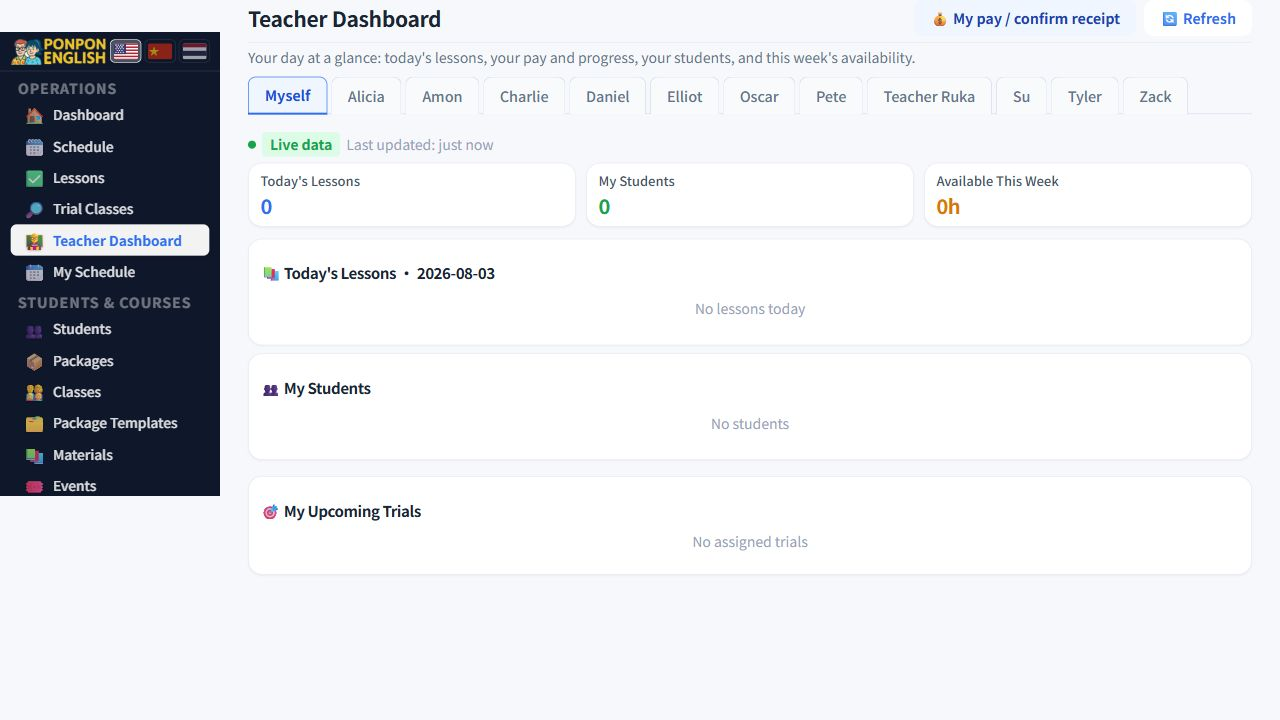
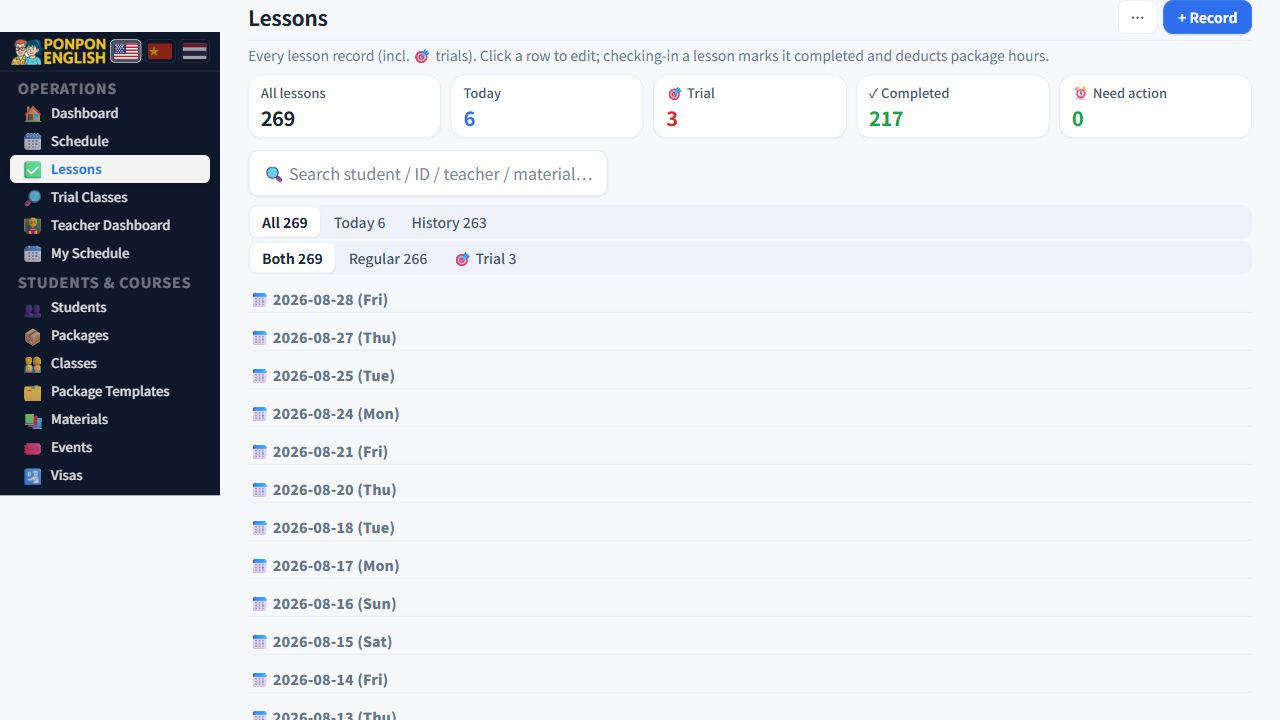
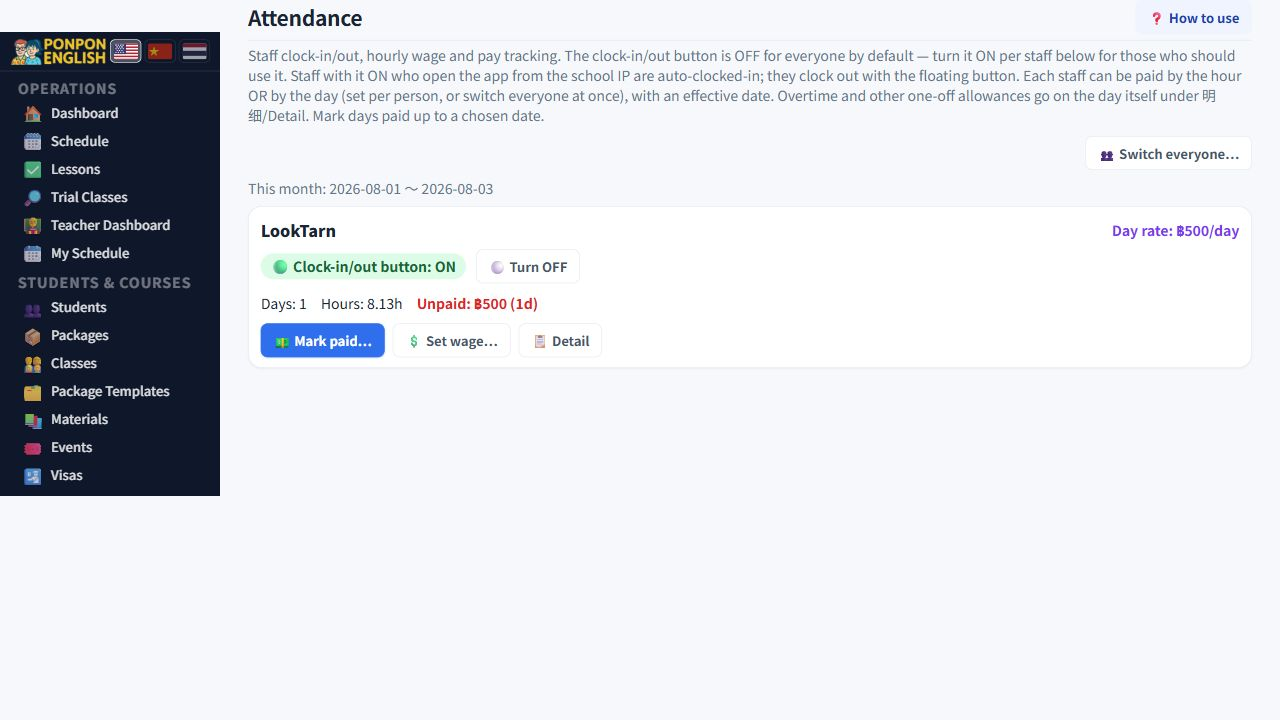
Marking a lesson done
打卡 (marking a lesson done) is the single most important daily action in the system.
A booked lesson is only a plan. Nothing is paid and nothing is deducted until somebody marks the lesson as done. Read this page carefully, because a missed step here means either a teacher is not paid or a student keeps hours they already used.
Completing a lesson has two effects at once. It makes the lesson count towards teacher pay, and it deducts the lesson hours from the student package. Both happen together, from the same action.
Where to do it
Teachers work from 老师面板 (the teacher panel). At the top of that panel there is a card listing the lessons for today. Everything below is done from that card.
Office staff can do the same actions for a teacher. Use this when a teacher forgot, has no phone with them, or has left for the day.
The normal lesson, step by step
- Open the teacher panel and find the lesson on the card for today.
- When the lesson starts, press check in. A signature can be captured at this point, if your school uses signatures.
- Teach the lesson.
- The same button now reads as complete. Press it when the lesson has finished.
- The lesson is now counted for pay and the hours are removed from the student package.
Do not look for a second button after check in. The button you already used changes into the complete button. Press the same place again at the end.
Trials work differently
A trial is not yet a real lesson. On the same card, a trial has a red start button. You must press that red start button first. That is what turns the trial into a lesson which can then be checked in and completed.
If nobody presses the red start button, the trial stays only an enquiry. The teacher is not paid for it and the school has no record that the class actually happened. Always start the trial at the beginning of the class.
When the student does not come
If the student is absent, mark the lesson absent instead of completing it. The system asks you to write a reason and will not accept an empty one. Write a short factual line, for example that the family called in the morning to say the child was sick.
An absent lesson is kept out of both teacher pay and student hour deduction. The record stays visible, so you can show a parent later how many times a student did not attend.
Cancelled lessons
A lesson that has been cancelled cannot be completed. The complete action is refused. This is deliberate: a cancelled lesson must never quietly turn into paid work.
If a lesson was cancelled by mistake and it really was taught, do not try to force it. Create the lesson again for the correct date and time, then check in and complete that new lesson.
Daily habit
- Teachers: check in at the start, complete at the end, on the same day.
- Staff: at the end of the day, open the dashboard and look at the alert for lessons not marked done.
- Fix anything from yesterday before you start today.
Completing many old lessons at once removes many hours from student packages at once. Families are surprised, and mistakes are hard to find weeks later. Clear the list every day.