Money
Staff attendance
Clock office staff in and out, set hourly or daily wages, and pay a period.
Current screens
These images use the current English interface. Student and trial-customer details are replaced with demo labels.
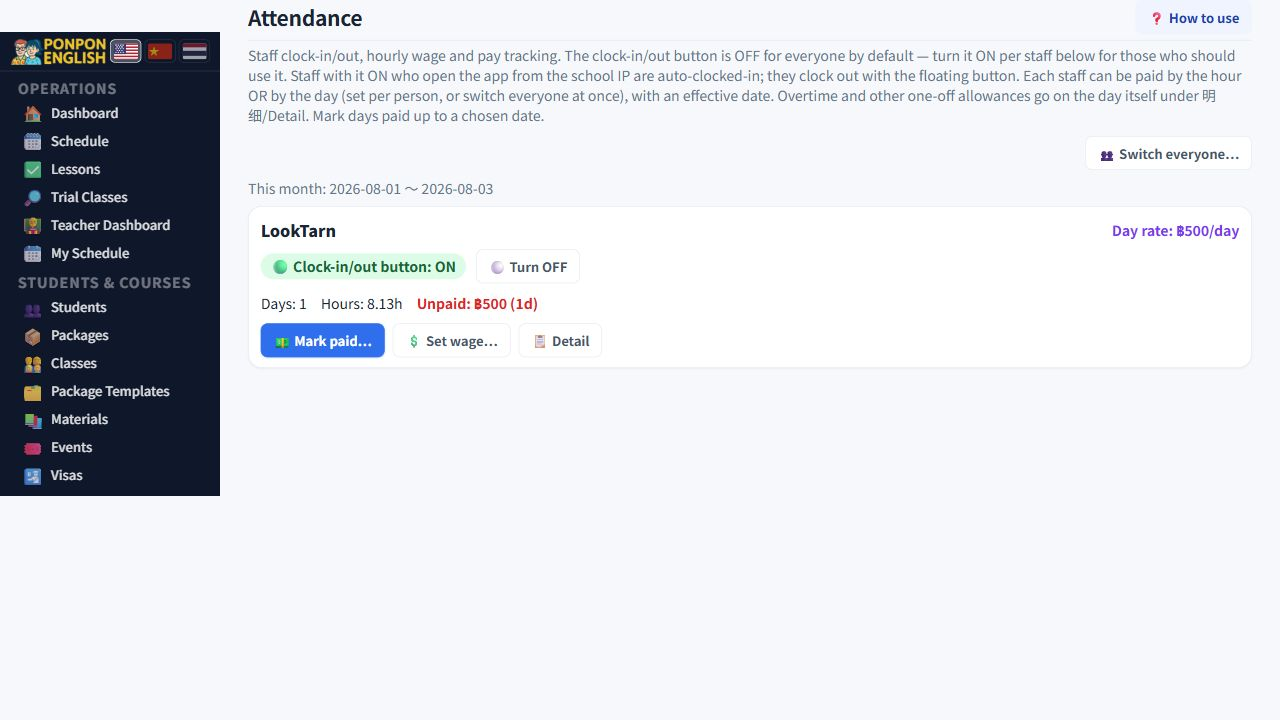
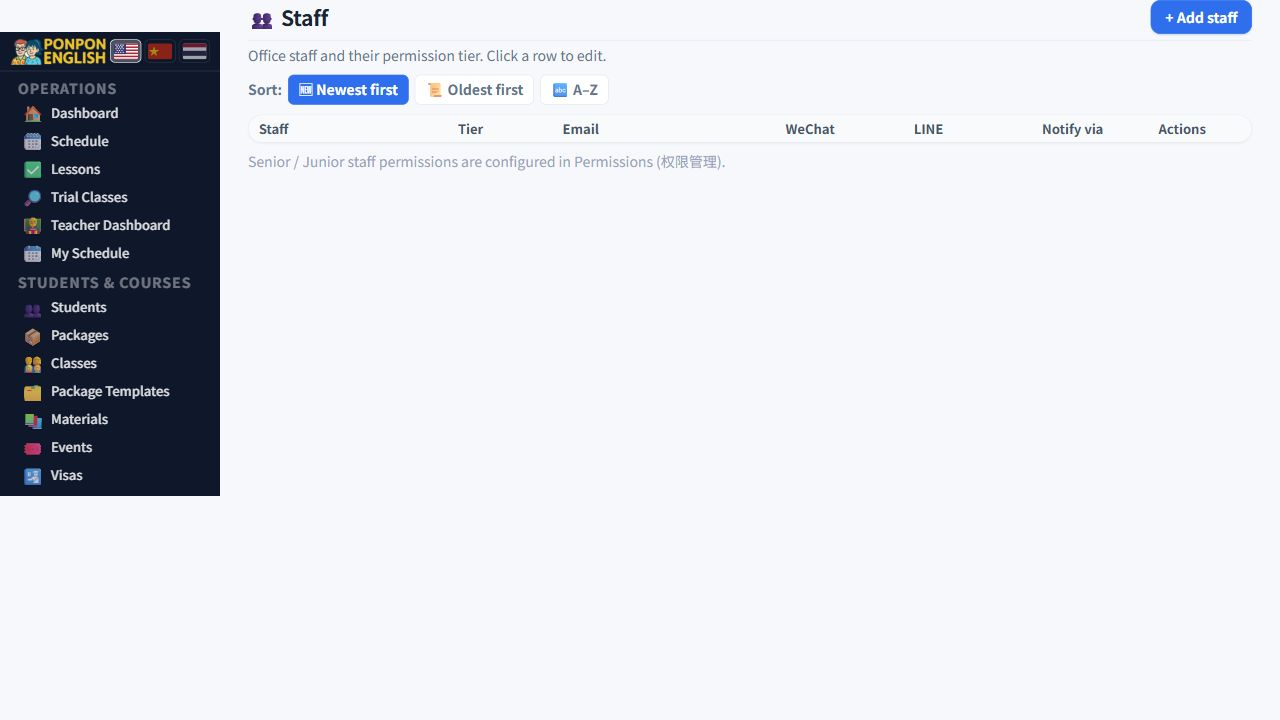
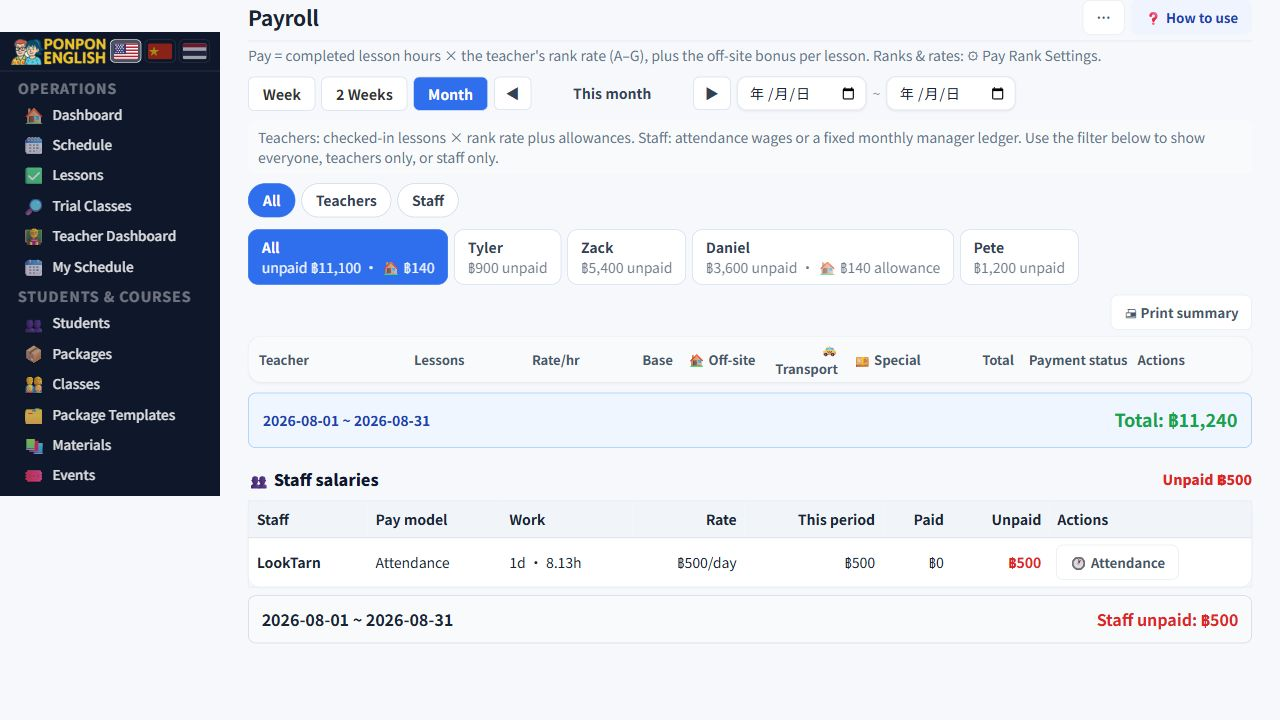
Staff attendance
Record office staff working time, then pay for the time recorded.
Open 财务→考勤: the finance group, then attendance.
This page is for office and support staff. Teachers are not paid from attendance. Teachers are paid for completed lesson hours on 工资 (payroll). Never record a teacher here as well, or the same person is paid twice.
Clocking in and out
- Arrive at work and clock in.
- Do the day's work.
- Clock out before leaving.
When a member of staff connects from the school network, the system can clock them in automatically. There is nothing to tap. Clocking out at the end of the day is still their own job.
A day with a start time and no end time has no hours, so it pays zero. That is not a small display problem. It is a lost day of wages. Open the detail row for that day and use the fix button to close the day properly. Do it the next morning, while the person still remembers when they left.
Hourly or daily wage
Each person can be paid by the hour or by the day. You can switch one person, or switch everyone at once when the school changes how it pays.
Changing between hourly and daily does not silently recalculate days that are already recorded. Days already worked keep the basis they were recorded under. This is deliberate, so that nobody's past pay changes behind their back because of a setting you changed today.
Adjustments
Real months are not tidy. Overtime, an agreed extra, or a correction after a long day can be added as an adjustment on top of the recorded time. Always write why. A number with no reason will be questioned later, and by then nobody will remember.
Paying a period
- Choose the person and the period you are paying.
- Check every day in the period: no missing clock-outs, and any adjustments added.
- Mark the period as paid.
Marking a period paid also writes an entry into 给钱记录 (the money log) automatically, and that entry is locked with a padlock. Do not add the same payment to the money log by hand as well, or the school will look as if it paid twice.
If a paid period is wrong, fix it from the attendance page. Deleting the locked record in the money log leaves the days marked as paid with no money record behind them.
Look at last week's rows every Monday. Fixing a missing clock-out is easy after one day and hard after one month.