Daily operations
Lesson Records
The full list of lessons, with filters, search and lesson editing.
Current screens
These images use the current English interface. Student and trial-customer details are replaced with demo labels.
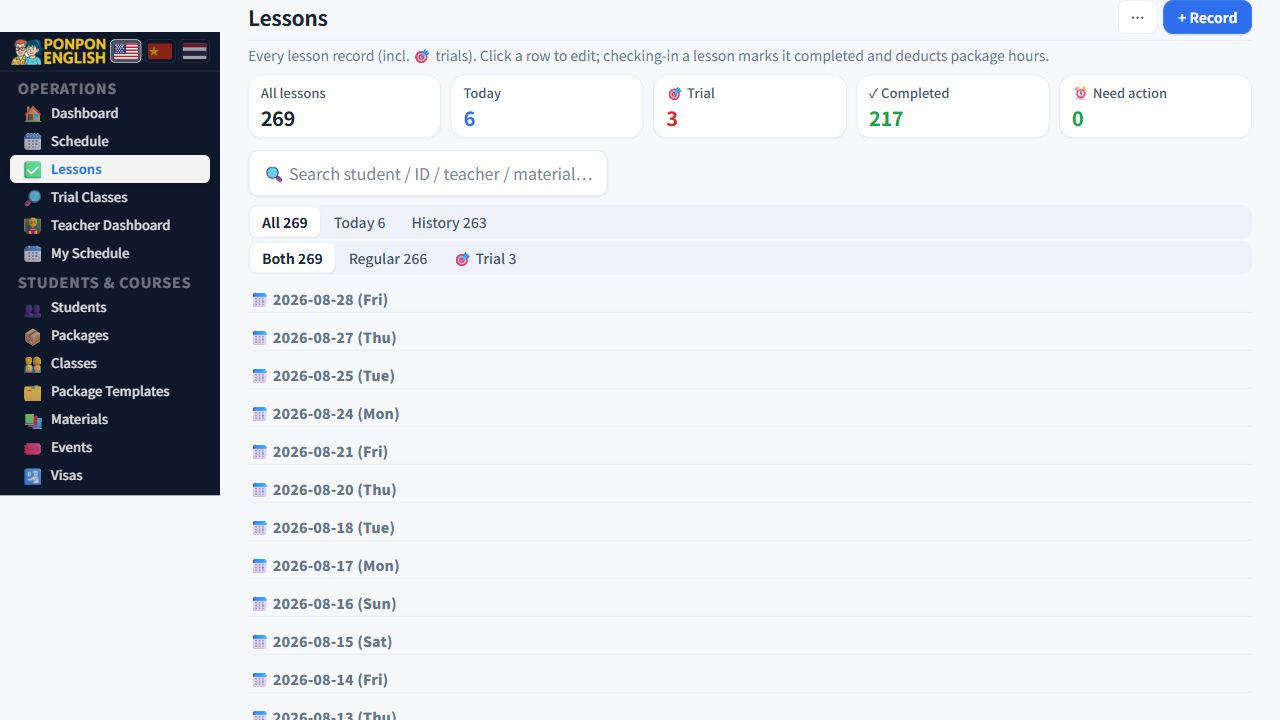
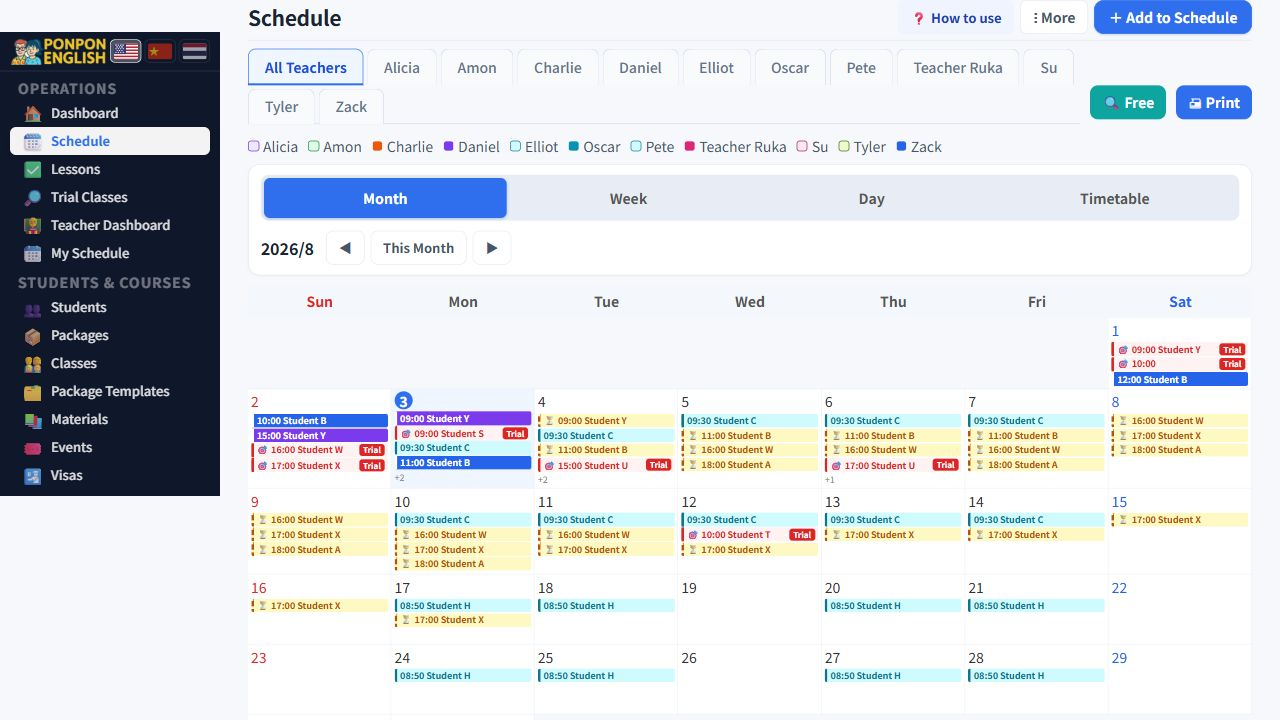
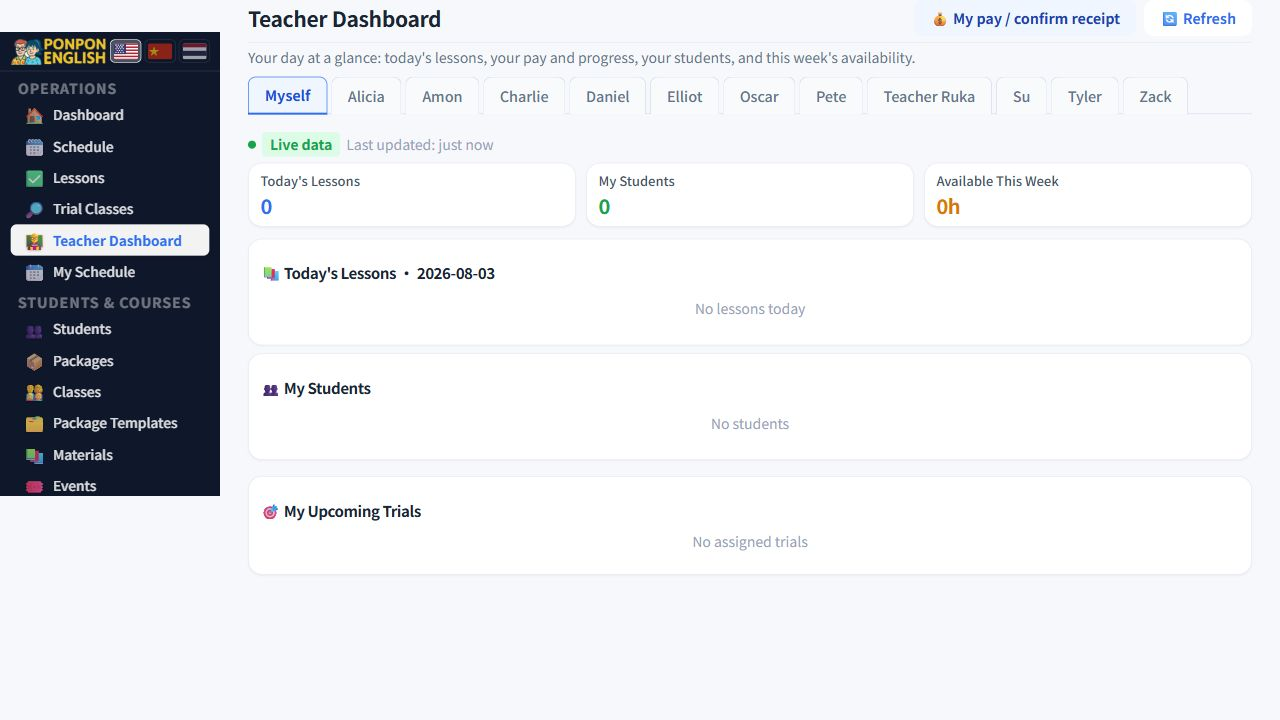
Lesson records
上课记录 (lesson records) is the complete list of every lesson, past and future.
The schedule is for looking at time. This page is for looking at lessons as a list. Use it when you need to find one lesson, correct a mistake, or check what has not been finished.
Finding the lesson you want
At the top of the page there is a row of filter tiles. Each tile shows a count and reduces the list below when you tap it.
| Filter | Shows |
|---|---|
| All | Every lesson in the system. |
| Today | Only lessons dated today. |
| Trials | Only trial lessons. |
| Completed | Lessons already marked as done. |
| Needs attention | Lessons with a problem, for example a past lesson nobody completed. |
There is also a search box. Type part of a student name or a teacher name and the list narrows as you type. Search and the filter tiles work together, so clear the filter if a lesson you expect does not appear.
How the list is arranged
- Rows are grouped by date, with a date heading above each group. You never have to read the date on every row.
- Each row is coloured by its status, so completed, still scheduled and problem lessons are easy to separate at a glance.
- Trial rows carry their own mark so you never confuse a trial with a paid lesson.
Open the needs attention filter once a day. It is the shortest list and it is the one that costs money if you ignore it.
Editing a lesson
Open a lesson row to edit it. These fields are available:
| Field | Notes |
|---|---|
| Date | Move the lesson to another day. |
| Start and end time | See the warning below before you change these. |
| Teacher | Change who teaches the lesson. |
| Room | Where the lesson happens. |
| Materials | Book, unit or file used. |
| Notes | Free text about the student or the lesson. |
Fields only office staff can use
Some fields on the lesson feed the teacher pay calculation, so they are limited to staff and are not editable by the teacher.
- Off-site flag — mark that the lesson was taught away from the school.
- Transport fee — travel money for that lesson, for example 200 THB.
- Special payment — an extra amount for that one lesson, used for agreed exceptions.
Off-site, transport fee and special payment change what the teacher is paid. They do not change what the family pays. Only fill them in when you have agreed the amount with the teacher.
Lesson length is always recalculated
The system never trusts a stored duration. It works out the length of the lesson from the start time and the end time, every time the lesson is saved.
If you move the end time later, the lesson becomes longer and more hours are taken from the student package. If you move it earlier, fewer hours are taken. Teacher pay follows the same length. Only edit the end time when the real lesson time was different, and tell the family if their remaining hours change.
The safe habit is simple. Correct the times on the same day, while you still remember what really happened, and add a short line in the notes explaining why you changed them.