Students and courses
Group Classes
How several students share one package, and why hours are counted only once.
Current screens
These images use the current English interface. Student and trial-customer details are replaced with demo labels.
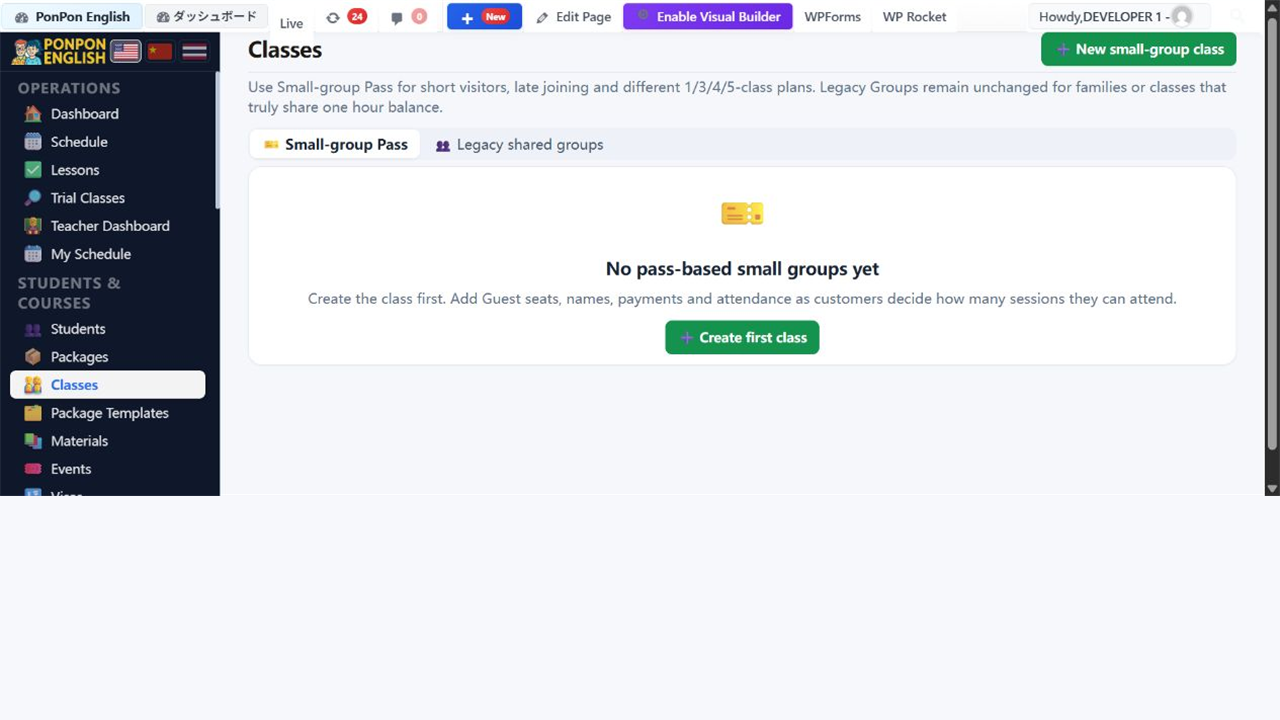
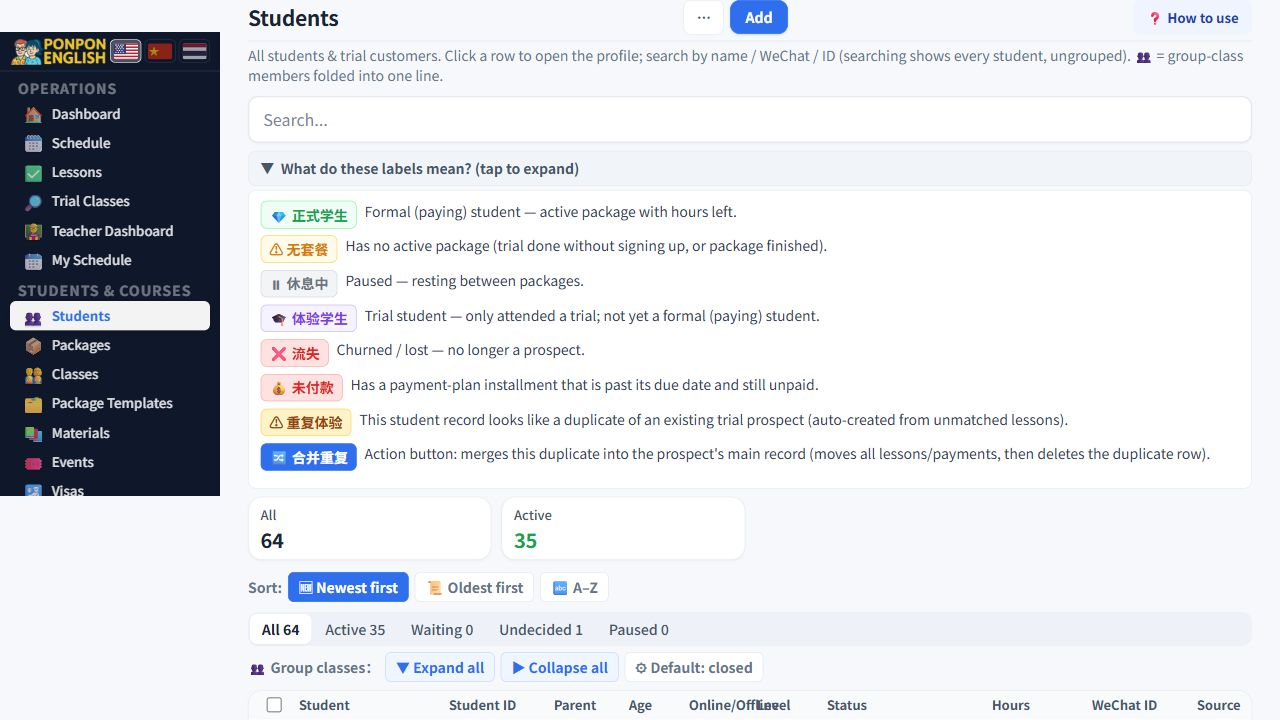
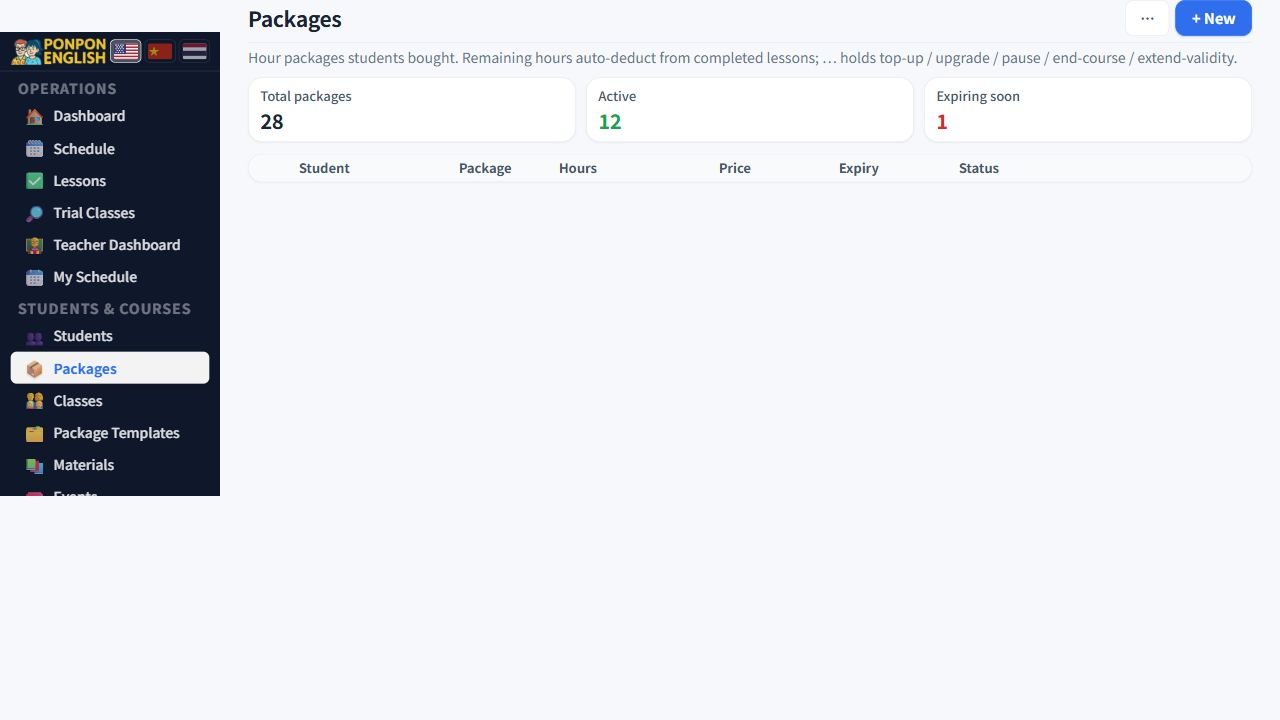
Group Classes
One package, several students, one shared pot of hours.
The Classes page now has two different systems. Choose by the way the customer pays; do not try to force every group into one model.
| Use | Choose | How it is counted |
|---|---|---|
| Short visitors, late joining, or people attending different numbers of classes | Small-group Pass | Each person has their own 1, 2, 3, 4 or 5-class pass. One attendance uses one class from that person only. |
| A fixed family or class that truly bought one common pool of hours | Legacy shared groups | Everyone takes from one owner package and one shared hour balance. |
Small-group Pass: the normal choice for short courses
- Open Classes, stay on Small-group Pass, and create the class series. Set its teacher, first date, number of teaching sessions, time and room.
- Add a pass for each seat. You may leave names blank: the system creates Guest 1, Guest 2 and so on. Rename or link the seat to an existing student later.
- Choose the pass sold to that person: one class is ฿1,300; two are ฿2,600; three are ฿3,900; four are ฿5,000; five are ฿6,200.
- Record the payment on that pass. The contract stays in THB. If the customer pays in RMB, the form shows the CNY amount expected at today's saved CNY→THB rate, then lets you type the actual RMB received when rounding or the exchange method differs. The actual RMB × the saved rate is credited in THB; small exchange differences are recorded in the ledger, while larger overpayments are blocked by a safety tolerance.
- Extra payments and refunds are added as new history rows; previous money records are not erased.
- Open each teaching session and tick the people who attended. Each tick uses one class from that person. Press Save & complete session after the class was taught.
Add the new person on the day they join. Their pass starts with their own first attendance and normally expires 14 days later. Another person may finish earlier or attend only three or four classes; their balances stay independent.
A teaching session creates one payroll lesson, regardless of whether one, three or ten people attend. This prevents the same two-hour class from paying the teacher several times.
Legacy shared groups: only for one shared pool
A legacy group class (小组课) is one package shared by several named students. One family or one fixed class buys a block of hours, and every member takes from that same block. Use the steps below only when that is the real agreement.
Set up a group in two moves
- Open the package that will be shared and set its type to 小组课 (group class). A one-to-one package can be changed into a group package later; you do not have to start again.
- On that same package, use 设置同班学生 (set classmates) and add the other students in the group.
That is all. From that moment:
- Every member sees the same package on their own profile.
- Every member sees the same hours bought, used and remaining. These are the group's figures, not personal figures.
- There is one pot of hours. When the pot is empty, it is empty for everyone.
A lesson taught to three students is still one lesson. Even when the lesson is recorded for several students, so that it appears in each attendance record, the shared package is charged once for that session. Three names in the room do not eat three times the hours.
When siblings look like they are billed twice
This is the classic complaint. Two children study together, the family paid once, but the app shows two separate packages and the hours disappear twice as fast.
In nearly every case the cause is the same: the package is still marked one-to-one (私教课). Nothing was ever shared, so each child was given a private block of hours. Check the type before you touch any number.
- Open the package the family actually paid for.
- Change its type to 小组课 (group class).
- Use 设置同班学生 (set classmates) and add the other child or children.
- Open each student profile once, so the hours are recalculated.
- Check that every member now shows the same used and remaining figures.
Do not fix a wrongly split family by editing hours by hand on two packages. The next lesson will break it again. Fix the package type and the classmate list, then let the system count.
Resetting a group
A reset unlinks the lessons from the group package. The used hours for that group return to zero and those lessons stop counting against the shared pot. The lessons themselves are not deleted; only the link is removed. Use a reset when the wrong students were joined together, then set the classmates again correctly.
After a reset the remaining hours will jump. Do it only when you are sure the links are wrong, and check every member's remaining hours immediately afterwards.
Good habits
- Decide group or one-to-one at the moment of sale, not weeks later.
- Keep the classmate list up to date. A student who leaves the group should be removed, or the group keeps paying for them.
- If a member also takes private lessons, that is a second, separate package. Do not mix the two.
Group setup lives on the package, and packages are hidden from teachers. Office staff must do it.